
World Editor UI
Immersive Authoring Tool Interface
Designing an immersive world editor that allows creators to build interactive XR environments using objects, gestures, and logic nodes.
Context
Atmos was developing a WebXR platform for a 3D-printable headset, aimed at enabling users to create interactive XR environments.
To support this, the platform required a world editor interface allowing users to construct scenes and behaviours directly in immersive mode.
Problem
Building XR environments required tools for:
- Placing objects.
- Defining gestures.
- Connecting logic nodes.
- Organising scenes.
Designing these workflows inside immersive space required clear interaction patterns and readable UI layouts.
My Role
As WebXR Designer/Developer I:
- Iterated on the original editor concept.
- Designed UI layouts and interaction patterns.
- Built WebXR prototypes to validate the interface in VR.
- Collaborated with developers to implement core features.
Key Design Decisions
1. Separate creation workflows into dedicated menus
Objects, gestures, nodes, and scenes were organised into independent panels to reduce cognitive load.
2. Prototype interactions directly in VR
WebXR prototypes allowed rapid testing and iteration of UI layouts and interaction mechanics.
3. Support limited hardware capabilities
The interface was designed to work with 3DOF headsets, requiring simplified interaction patterns.
Outcome
Although the project ended when the startup pivoted away from XR, the work resulted in a functioning prototype of an immersive authoring interface supporting object creation, gesture design, and scene management.
Demo Videos
The first video below shows, in VR mode, the ATMOS world editor UI v0.1.4 and its four menus.
From top to bottom:
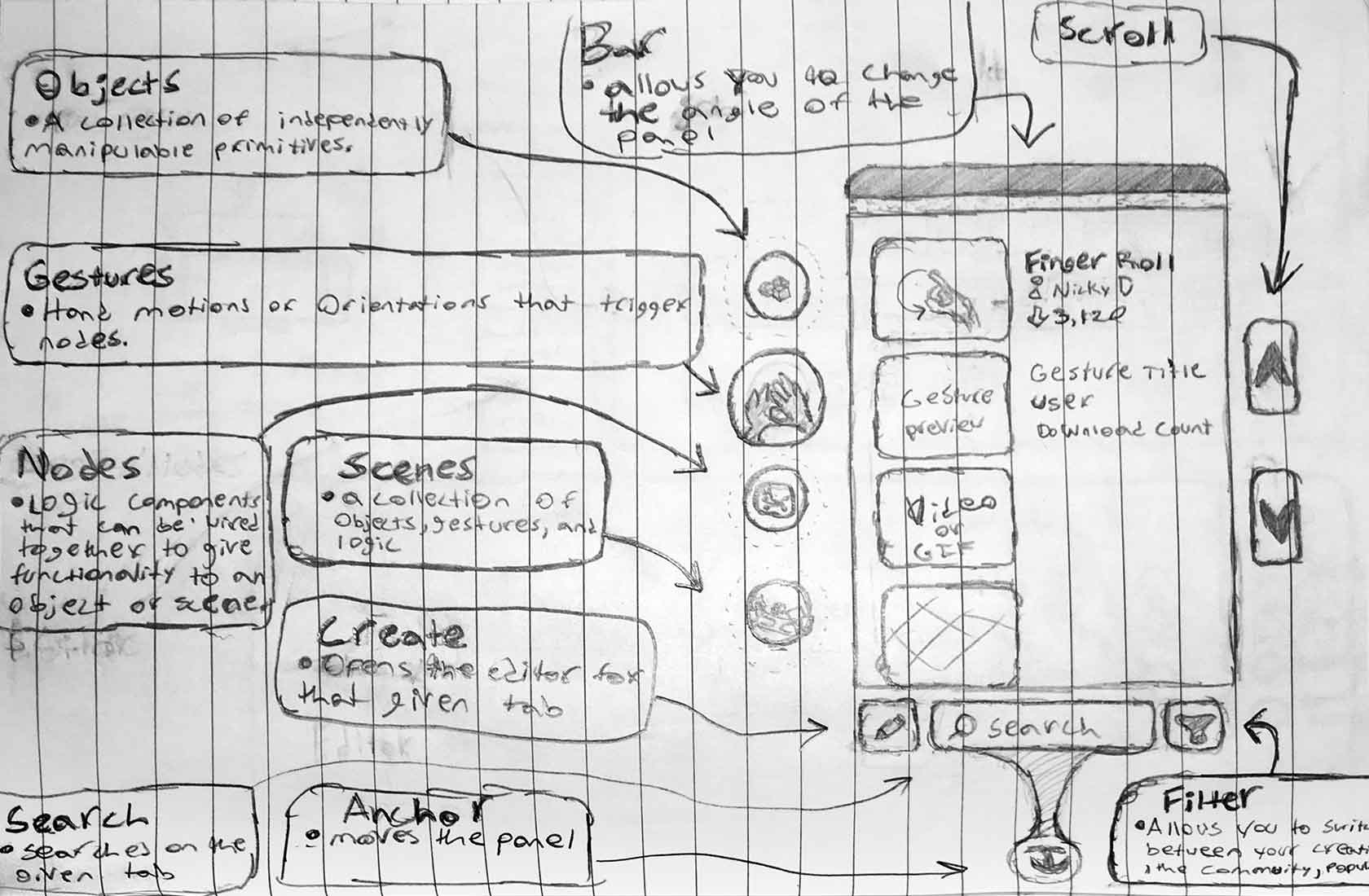
- OBJECTS - a collection of independently manipulable primitives
- GESTURES - hand motions or orientations that trigger nodes
- NODES - logic components that can be wired together to give functionality to primitives or scenes
- SCENES - a collection of objects, gestures and logic
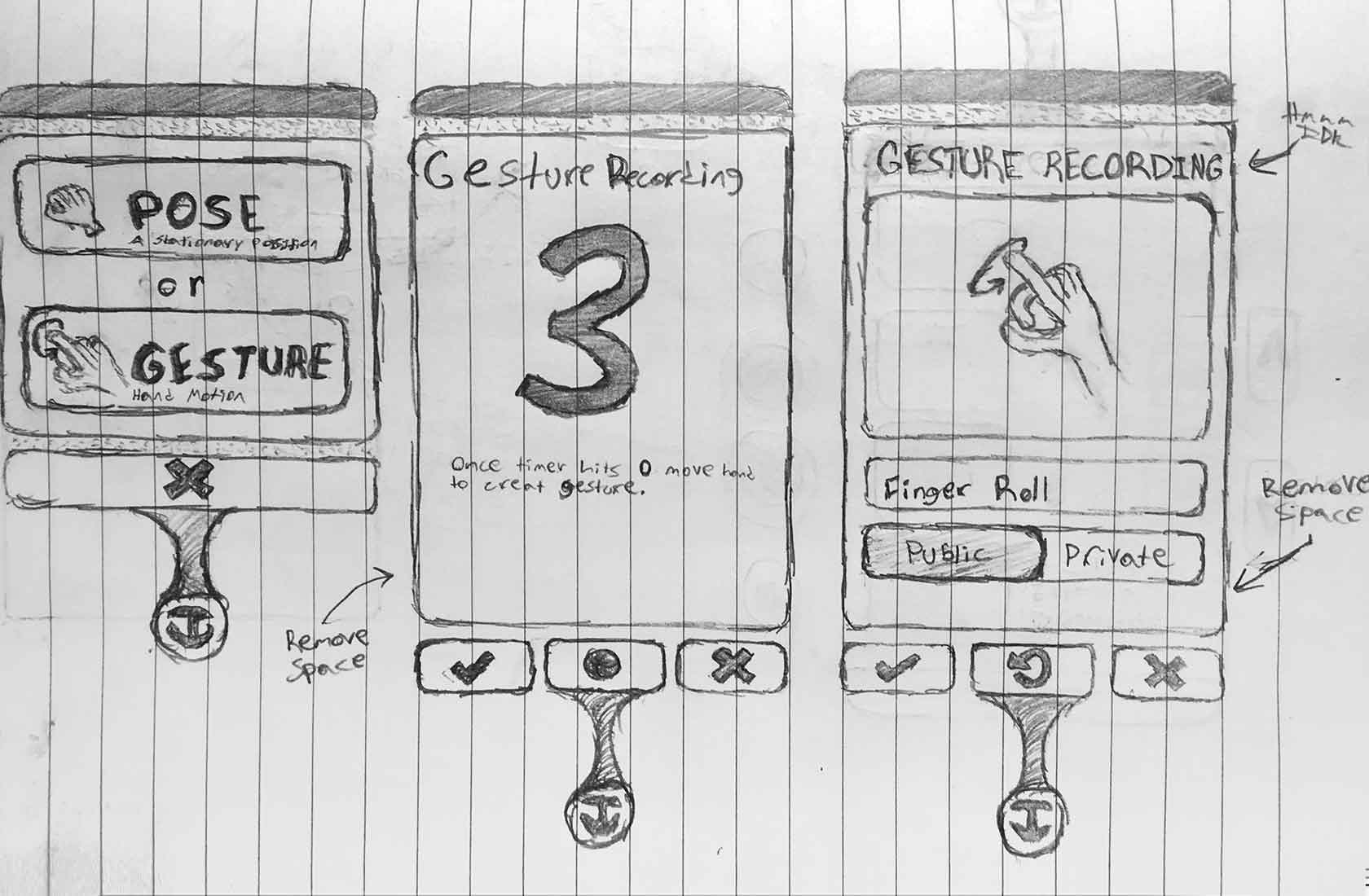
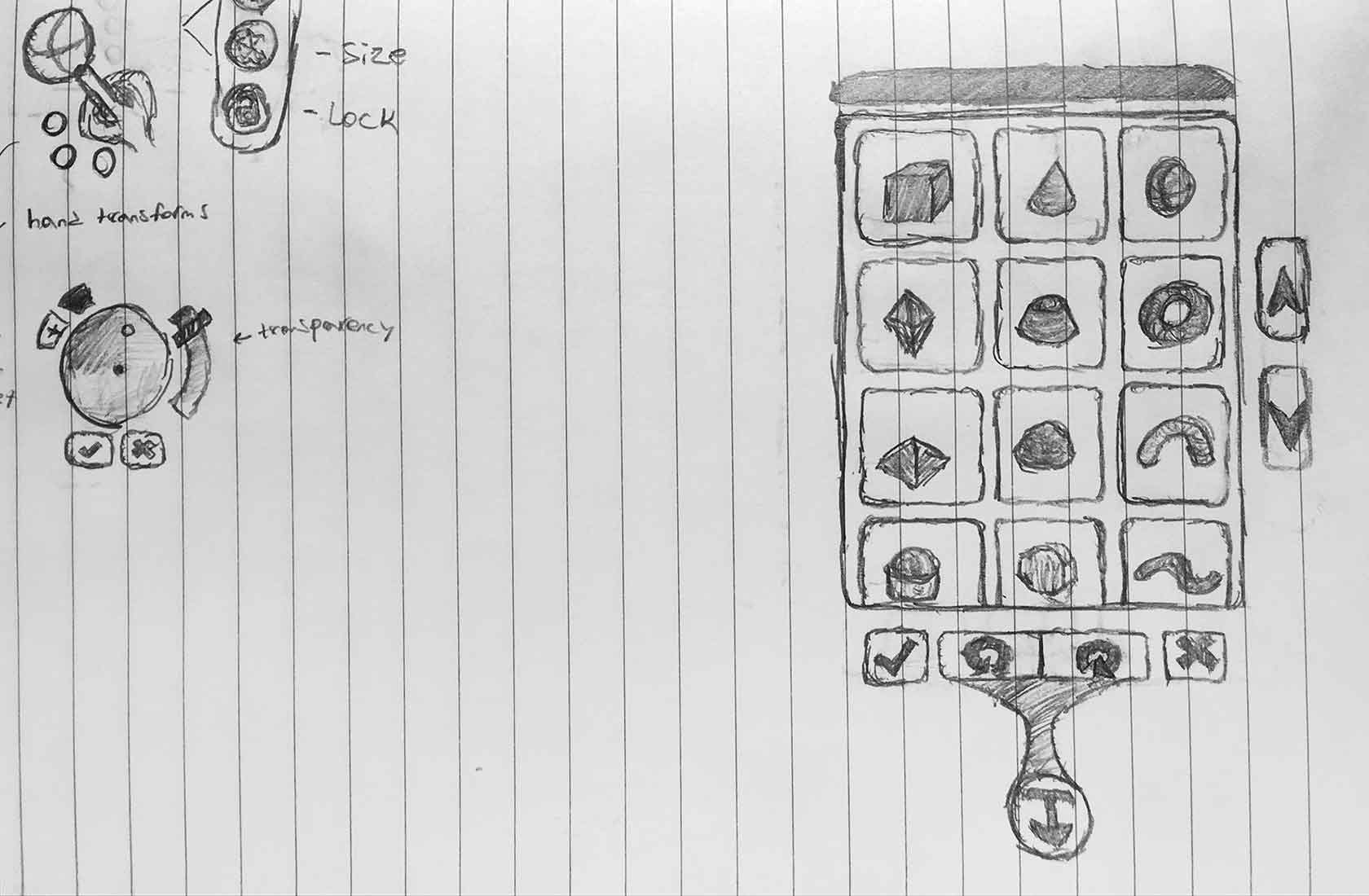
This video also shows the initial iterations of the CREATE GESTURE and CREATE OBJECT features.
The second video in desktop mode for quick testing, instead, shows the COLOR WHEEL and the TRANSFORMS features, which were designed to work also on 3DOF HMDs.
The Making Of
Design Concept
The images below show the initial sketches of the ATMOS world editor UI design concept, providing more details on the CREATE GESTURE and CREATE OBJECT features and their respective UI layouts.
Lo-Fi Wireframes
As per design directions, the ATMOS world editor had to have a sci-fi look-and-feel.
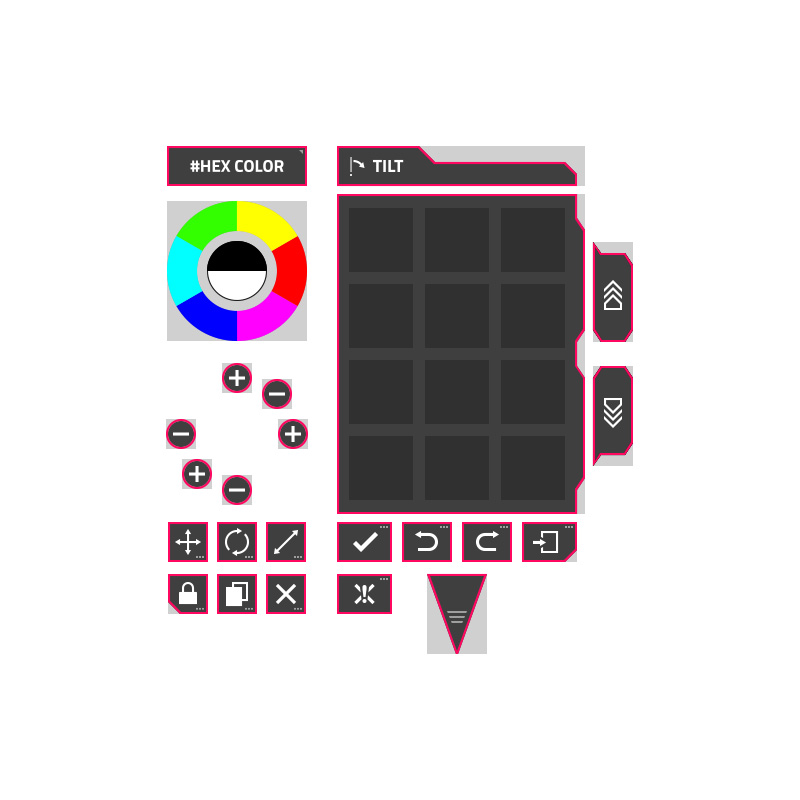
So I started with some lo-fi wireframes to represent the actual plane primitives (the ones below in light-grey color) that would use textures to render the immersive UI's custom design in the subsequent iterations.
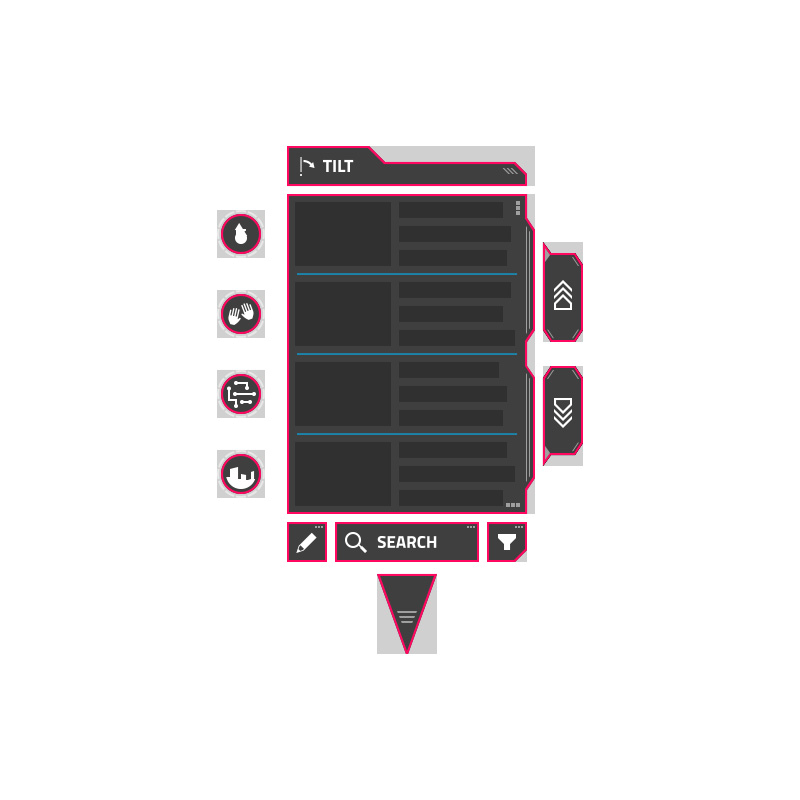
From left to right, the images below show the UI layouts of the MAIN MENUS listed items, the CREATE OBJECT menu and the CREATE GESTURE menu.



WebXR Prototypes
The next step to turn the design concept into a functioning UI was to create a series of WebXR prototypes to review, test and validate the UI layouts and the user interaction in immersive mode.
The videos below show some iterations of the ATMOS world editor implementing new UI elements and features.
v0.1.0 - MAIN MENUS listed items
v0.1.1 - CREATE GESTURE mode
v0.1.2 - CREATE OBJECT mode
v0.1.3 - COLOR WHEEL and TRANSFORMS features
Hi-Fi Mockups
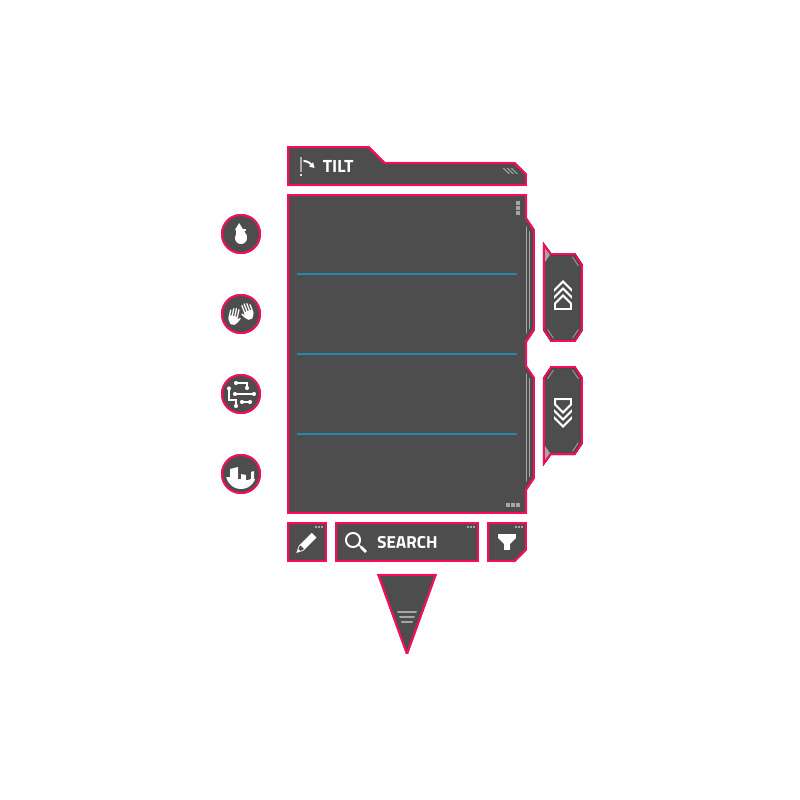
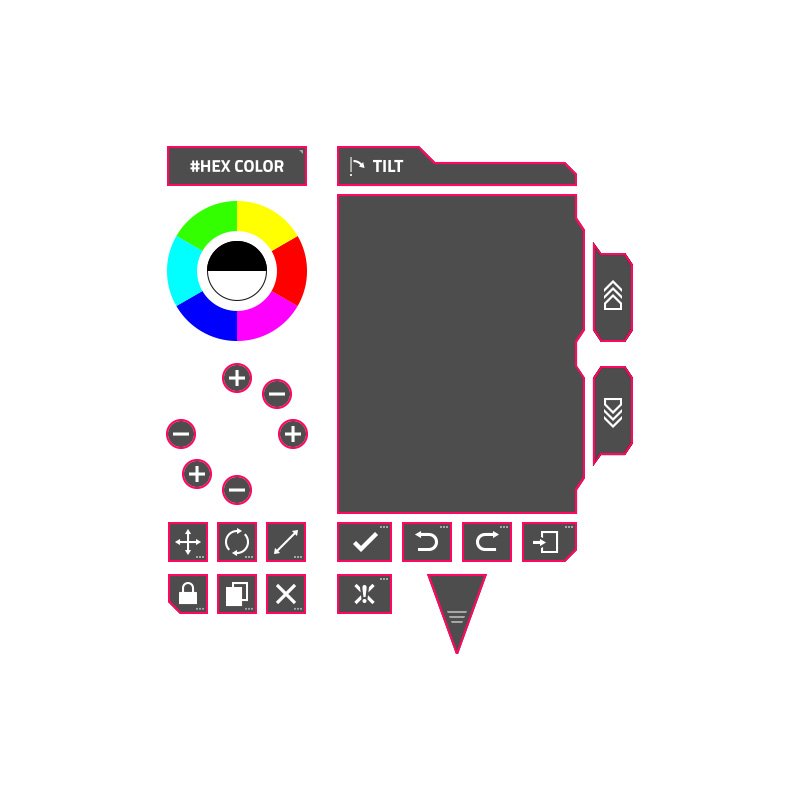
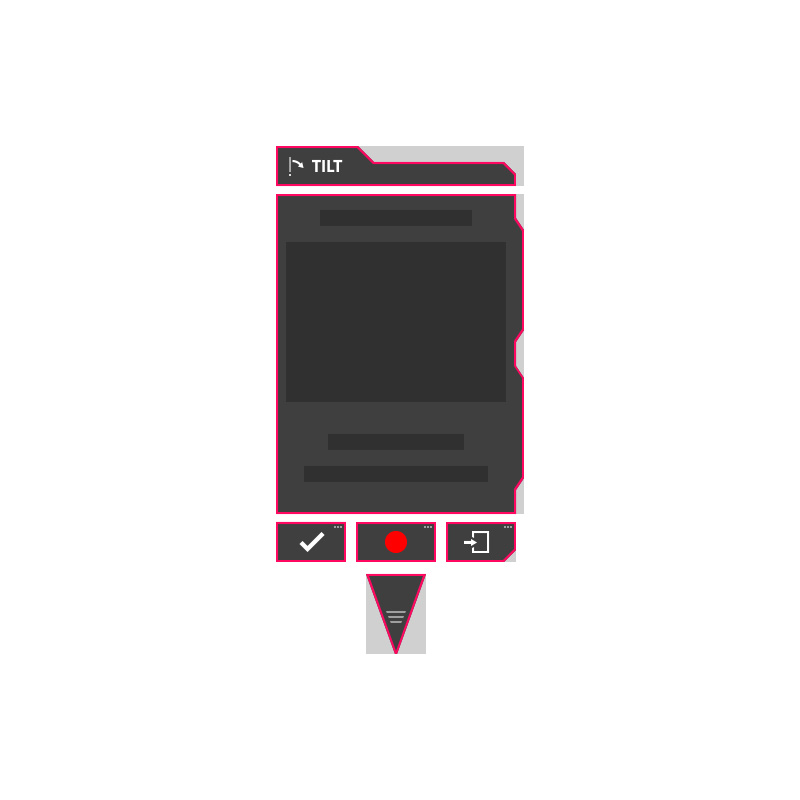
Once we validated the UI layouts and the user interaction, I moved on to creating static mockups to present and validate the requested sci-fi look-and-feel.
In parallel, as I was polishing the design I also tweaked the position and the size of some UI elements.
The images below show the wireframes/plane primitives and the designed graphic elements to render as textures.
MAIN MENUS listed items

CREATE OBJECT mode

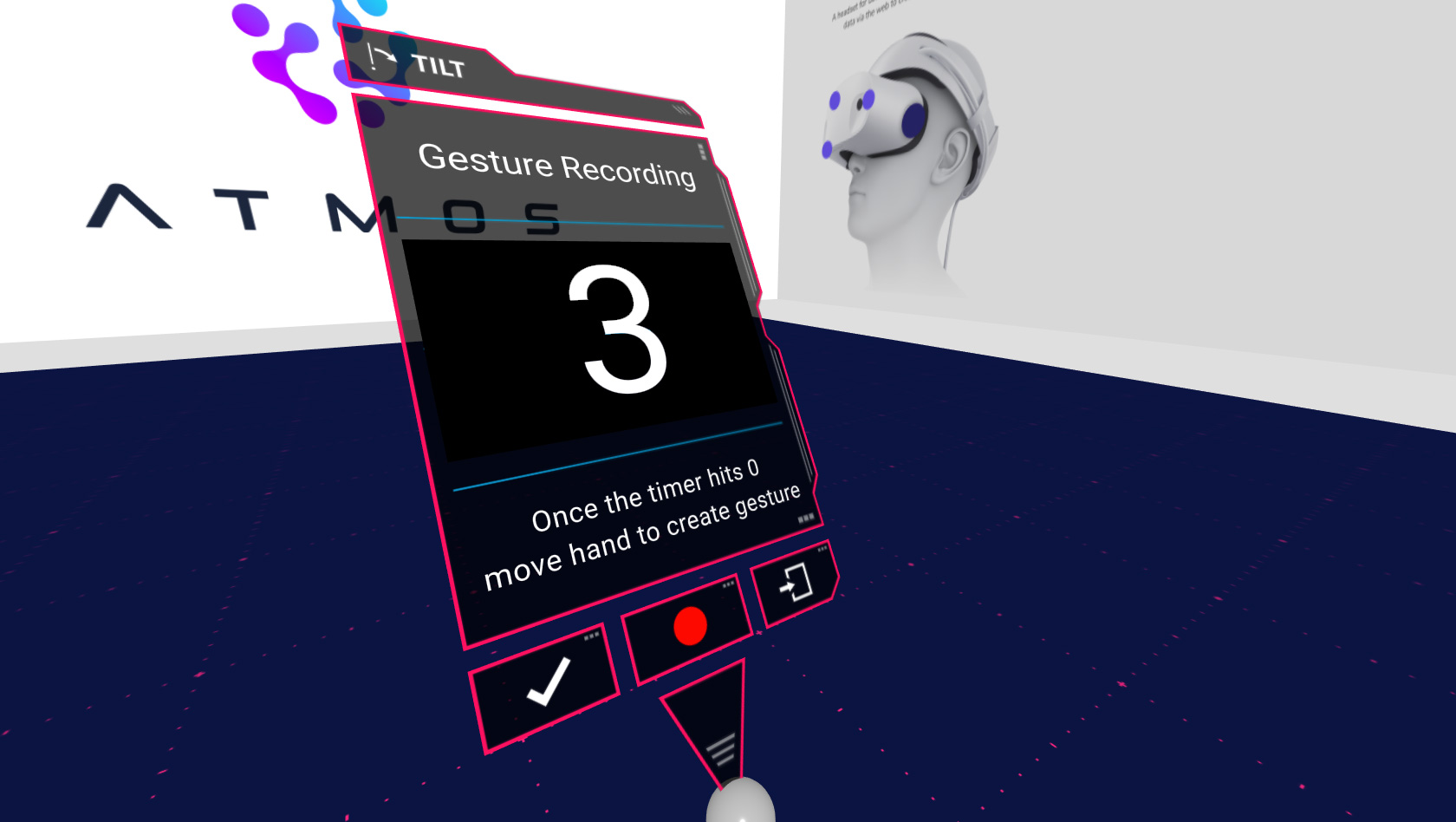
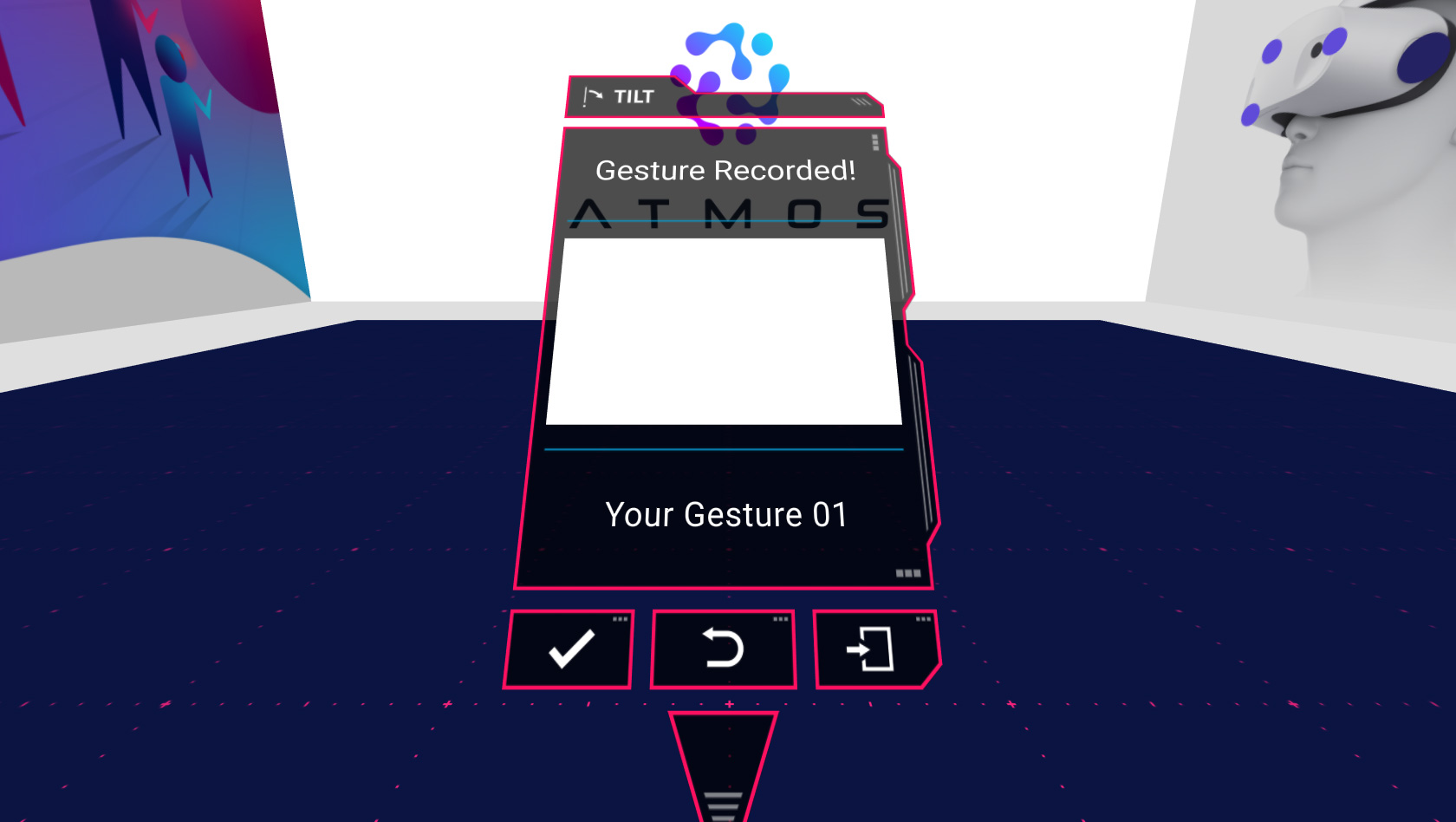
CREATE GESTURE mode

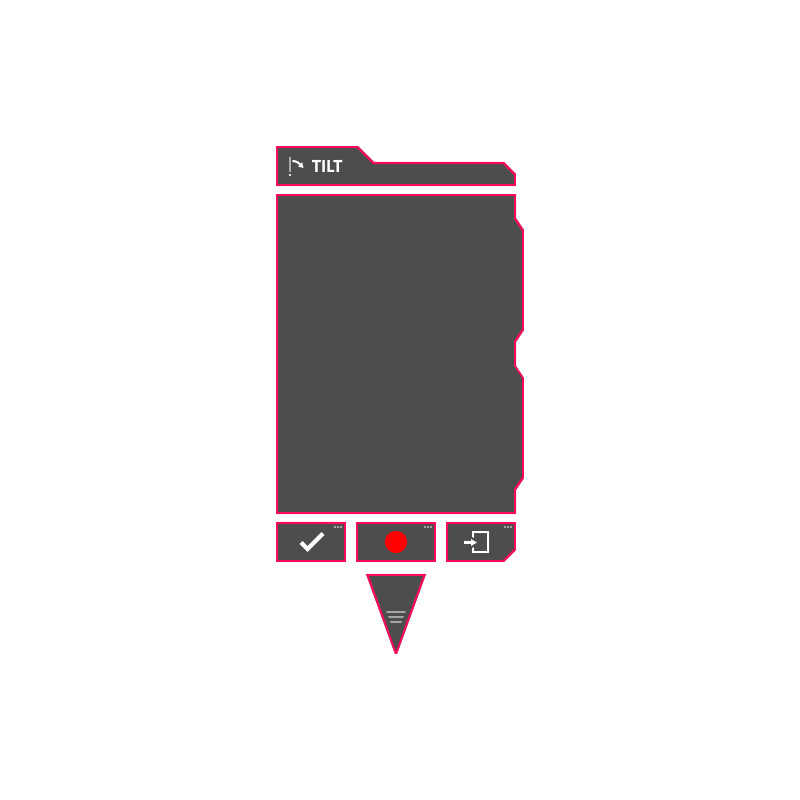
Implemented Design
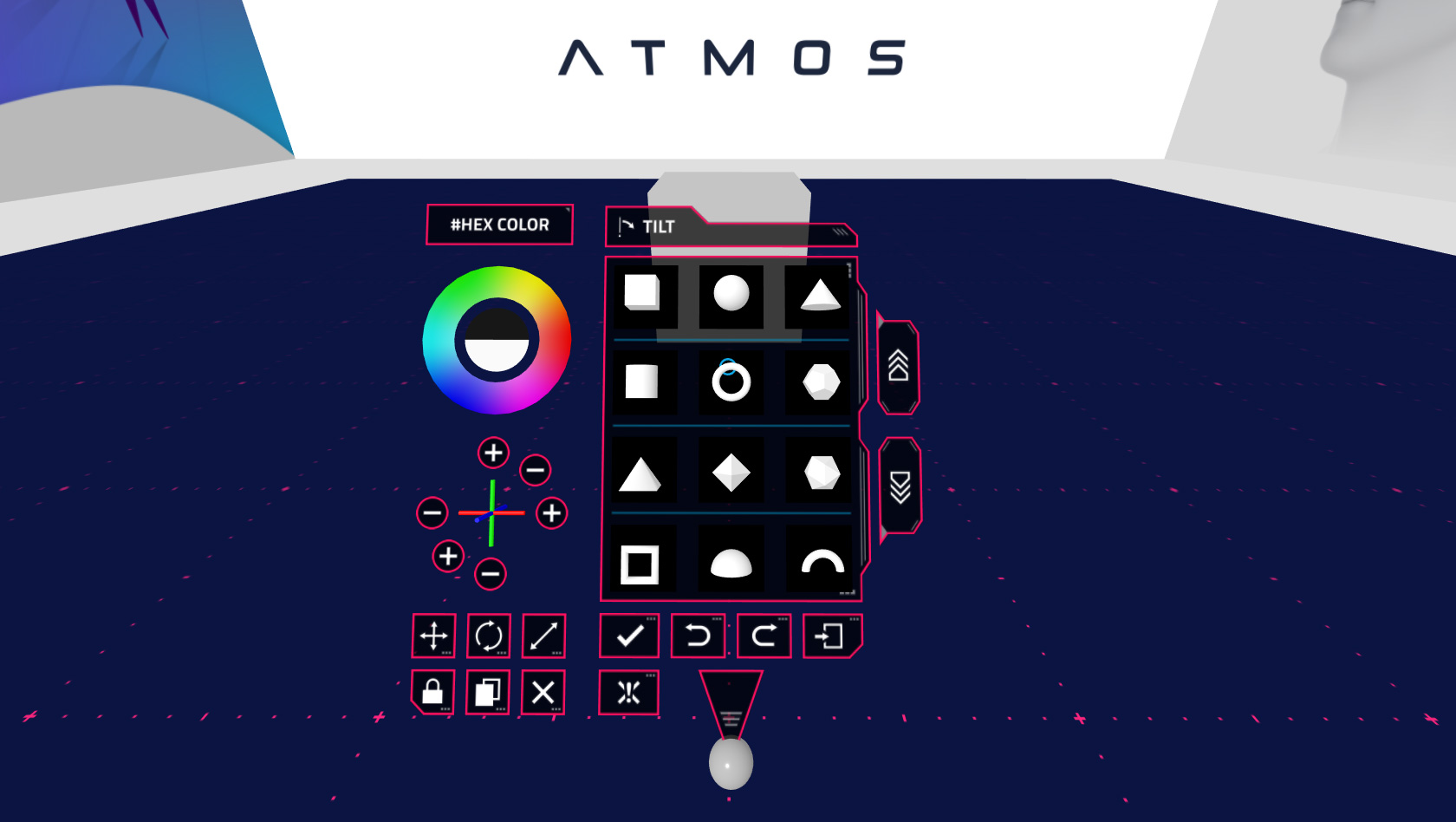
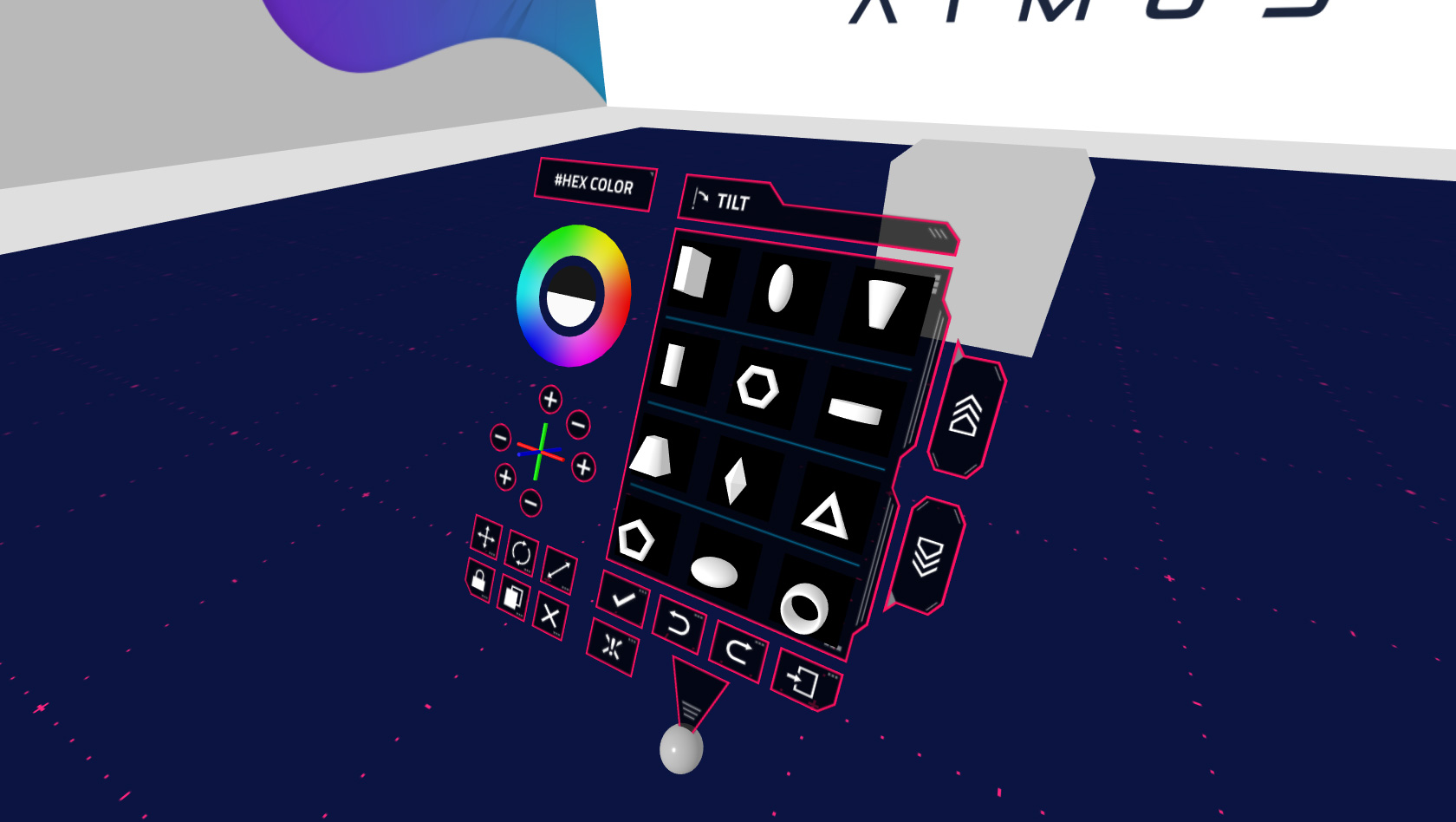
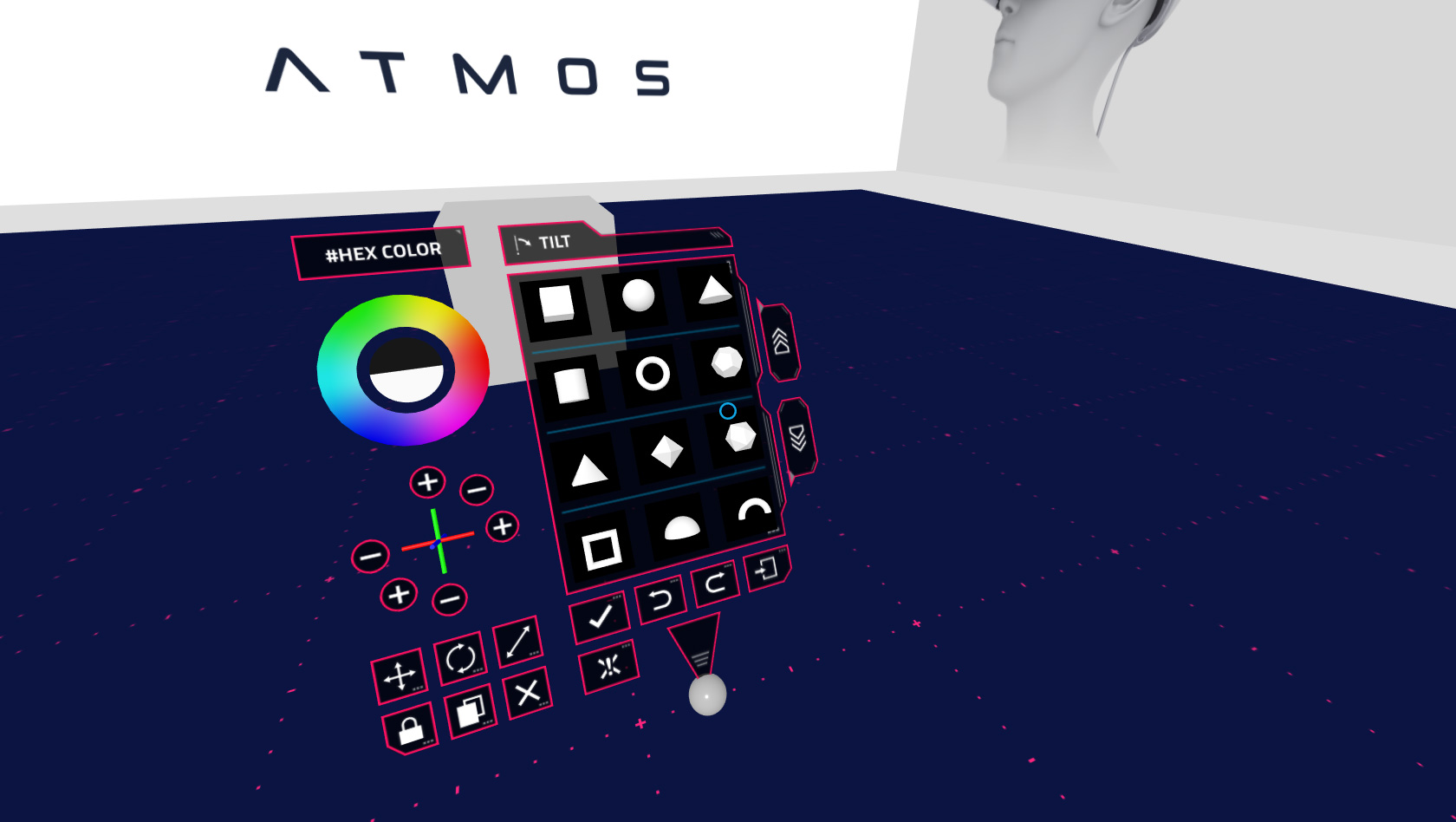
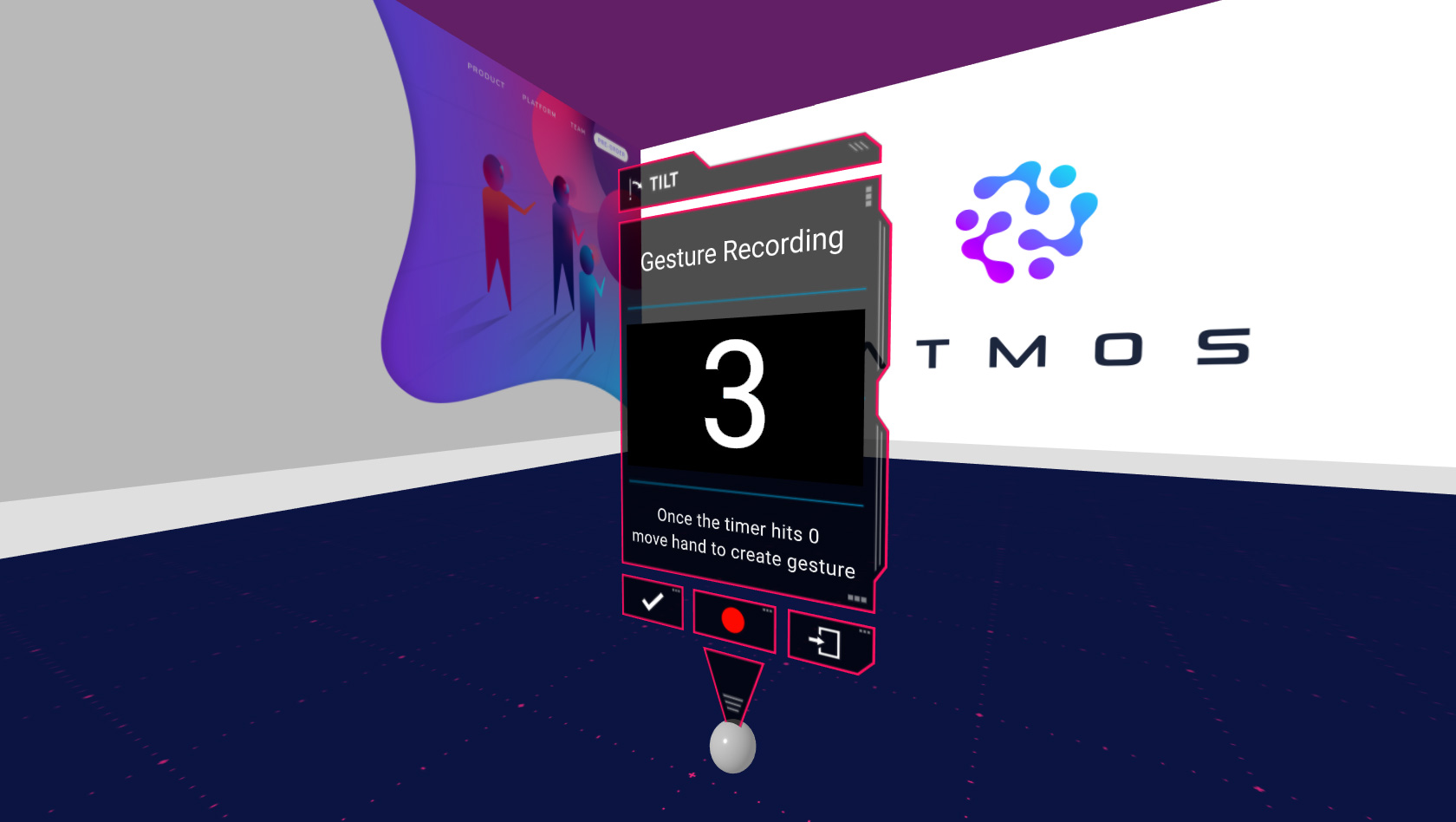
The images below show the ATMOS world editor UI implementing the custom design and sci-fi look-and-feel.
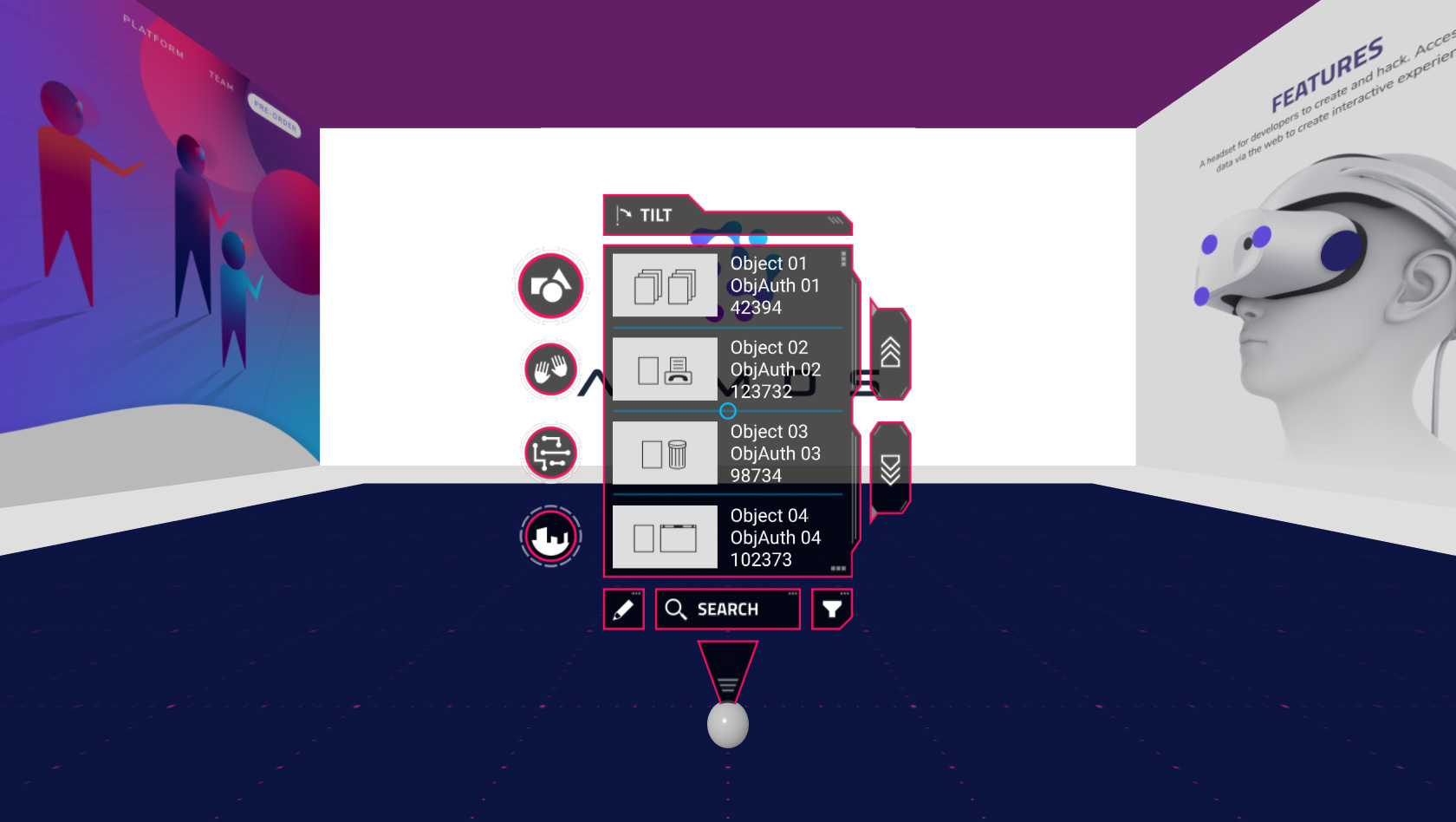
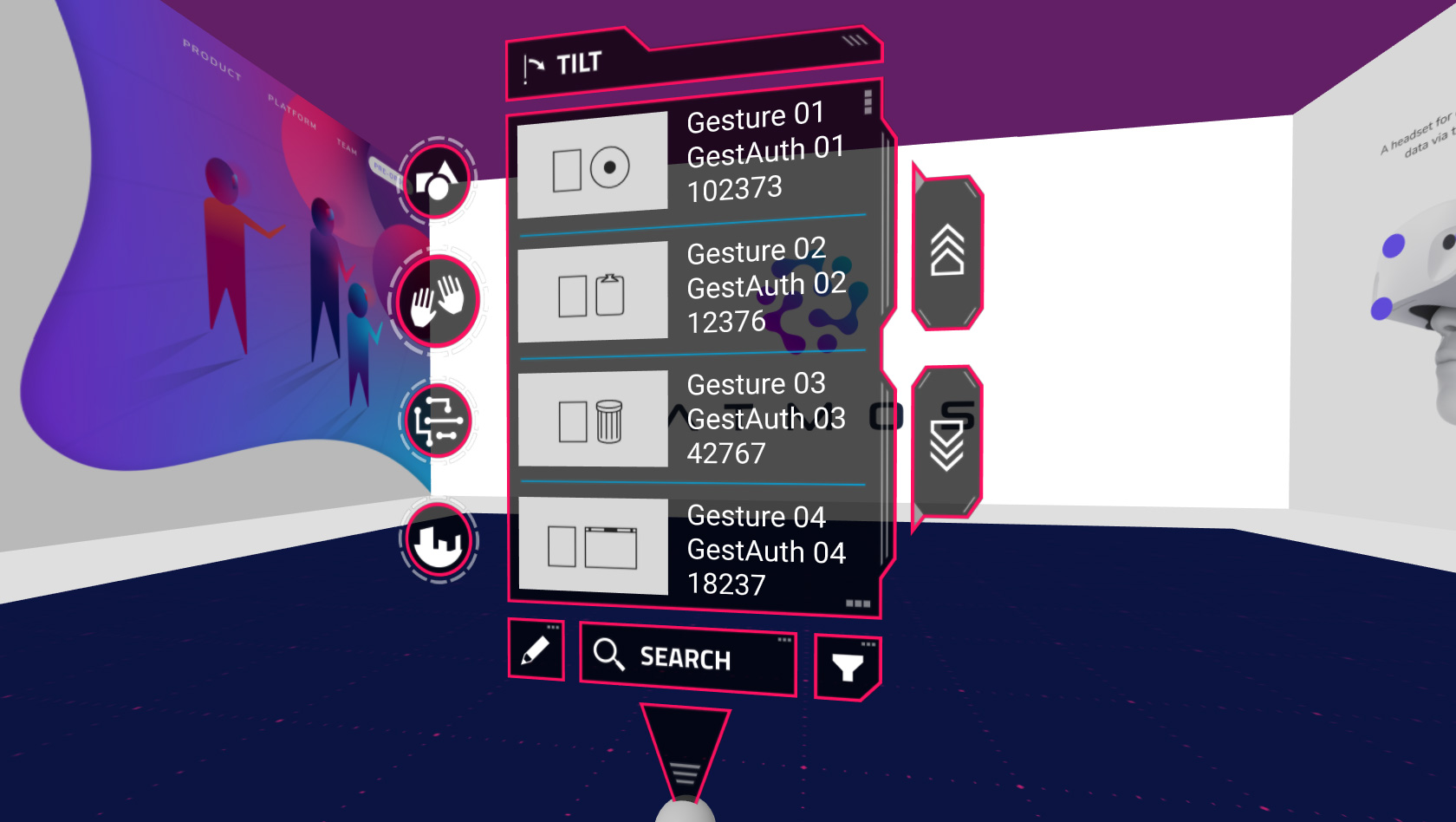
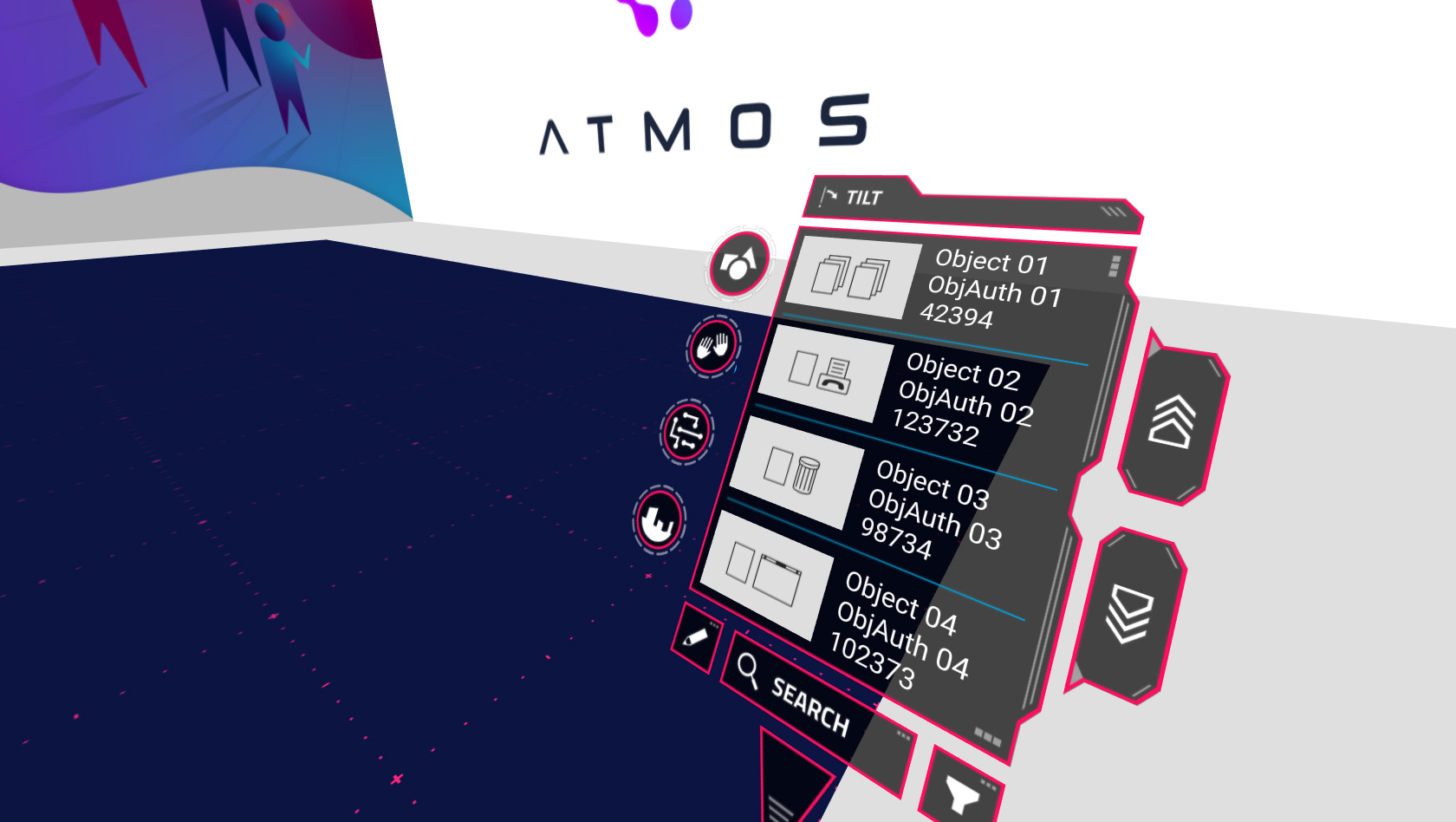
Related Works
Check out more works for Atmos: