
VisRen Scene Tree Icons
Icon System Redesign for Hierarchical Navigation
Designing meaningful visual cues to improve navigation in complex 3D scene hierarchies.
Context
Visionary Render is a high-performance real-time 3D visualisation and VR platform used by engineering teams to explore massive CAD datasets, conduct design reviews, and simulate industrial workflows.
The software introduced virtual manikins to support ergonomic analysis, allowing users to evaluate whether tasks could be performed safely and comfortably by workers.
These manikins introduced a complex hierarchical structure inside the Scene Tree, representing the full skeletal structure of the human body.
Users needed to navigate and manipulate dozens of nodes representing different body parts.
Product Problem
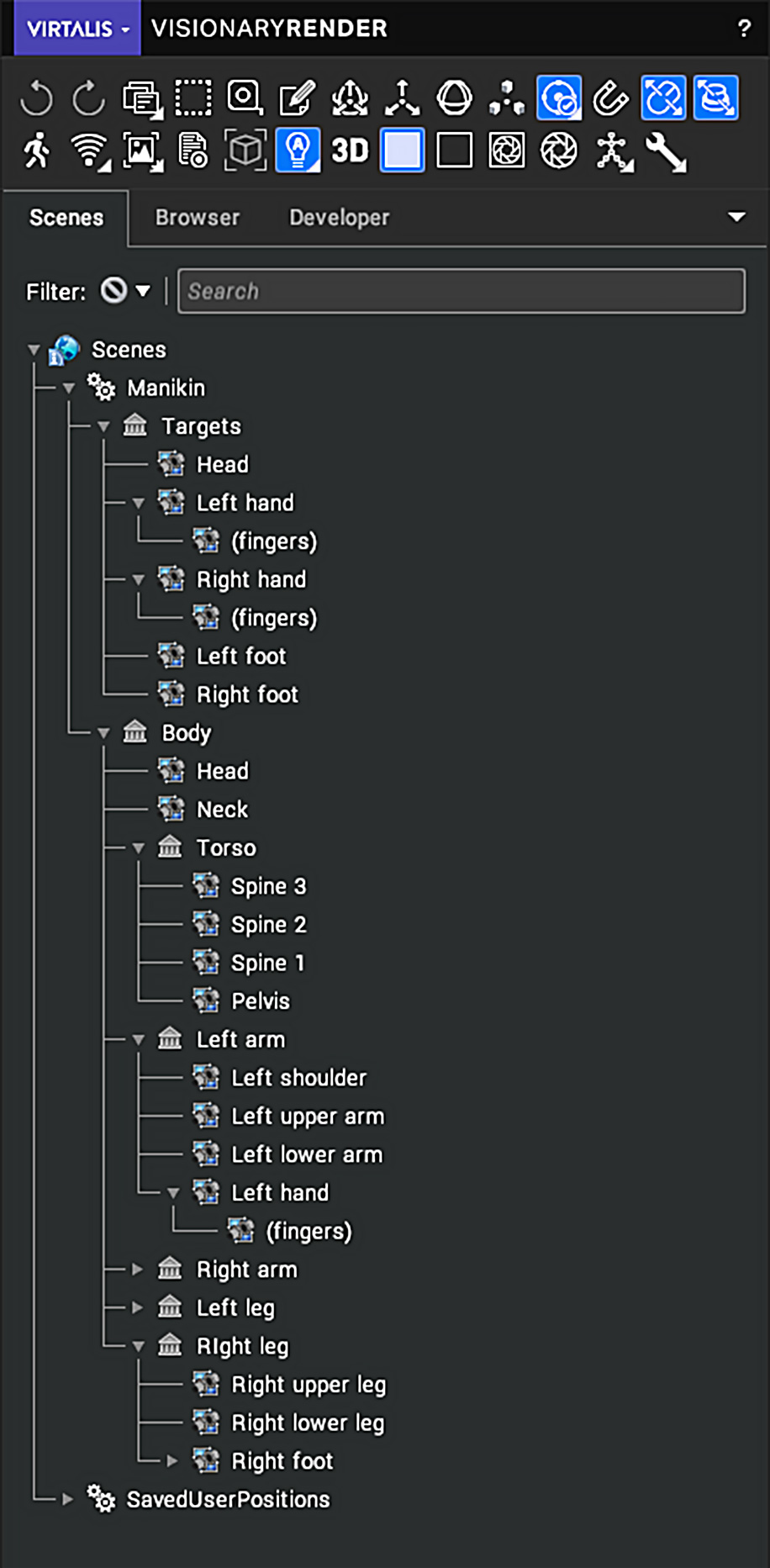
The original Scene Tree used generic icons that did not communicate the type of node being represented.
As a result:
- Nodes were visually indistinguishable.
- Users had difficulty quickly identifying body parts in the hierarchy.
- Navigation and interaction required more cognitive effort.
For complex ergonomic simulations, where users constantly switch between nodes, the lack of visual cues slowed down workflows.
Constraints
Several constraints influenced the design:
- Icons had to remain small and highly legible within dense tree structures.
- The icon system needed to scale across many body nodes.
- The assets had to remain visually consistent with the existing software UI.
- Interaction speed and clarity were prioritised over decorative detail.
My Role
As Senior Product Designer, I designed a new icon system for the Scene Tree hierarchy, focused on improving node discoverability and interaction clarity.
This included:
- Analysing the structure of the manikin hierarchy.
- Defining visual metaphors for different node types.
- Designing a set of minimal, readable icons suitable for dense UI environments.
- Ensuring visual consistency across the hierarchy system.
Key Design Decisions
1. Introduce meaningful visual metaphors
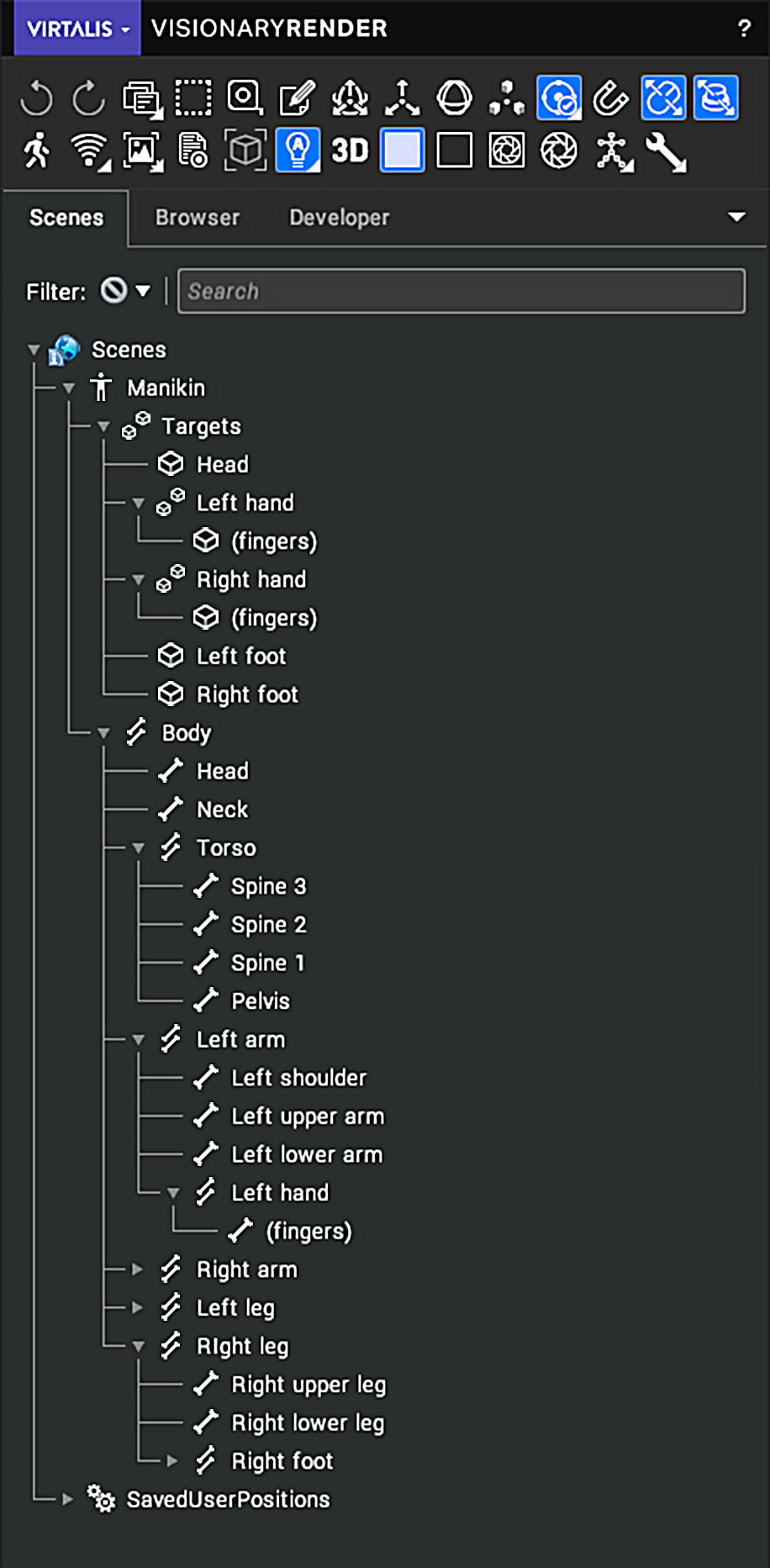
Each icon was designed to represent the type of node it controlled, making it easier for users to understand the structure of the hierarchy at a glance.
2. Prioritise readability at small sizes
Icons were simplified to remain legible even when displayed in dense tree structures alongside many other nodes.
3. Support fast hierarchical scanning
The new icon system allows users to quickly scan the tree and identify body segments such as arms, legs, or spine elements.
Outcome
The redesigned icon system improved:
- Hierarchy readability.
- Node discoverability.
- Navigation speed inside the scene tree.
By introducing meaningful visual cues, the interface became easier to interpret during complex ergonomic simulations.
Before vs After
The two images below show the node icons before (LHS) and after (RHS) the restyling.
The Making Of
Custom Icons
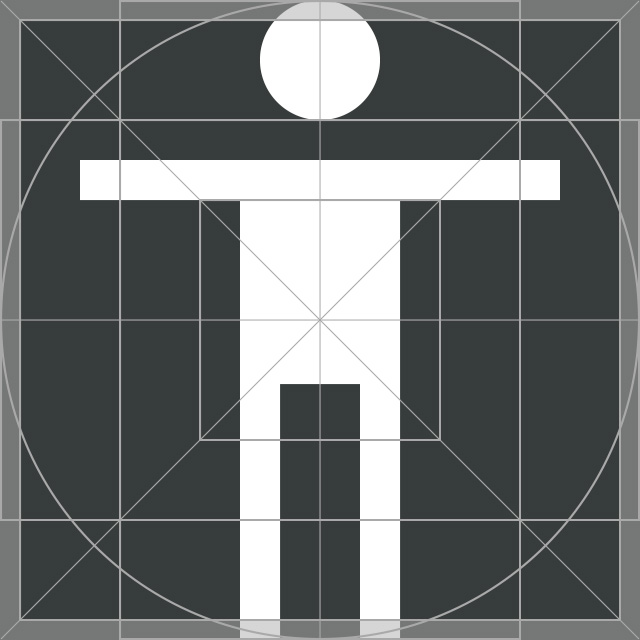
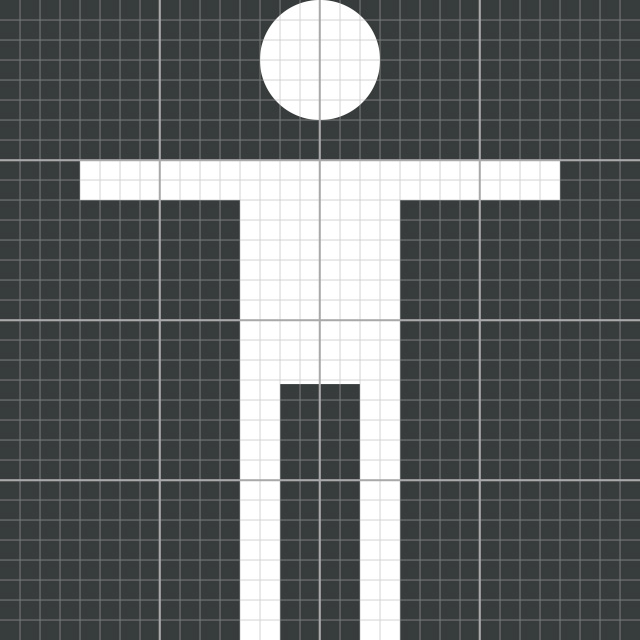
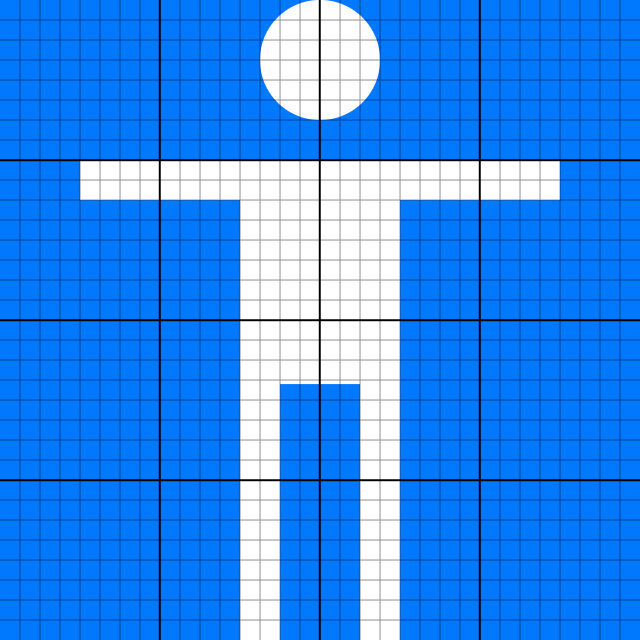
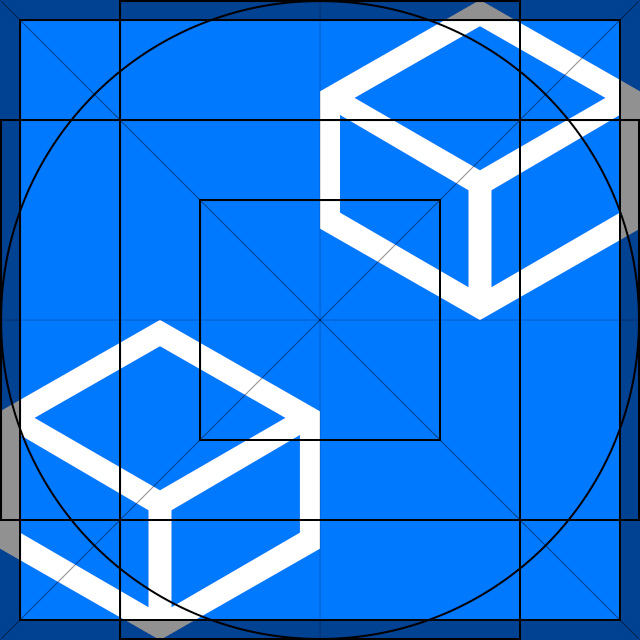
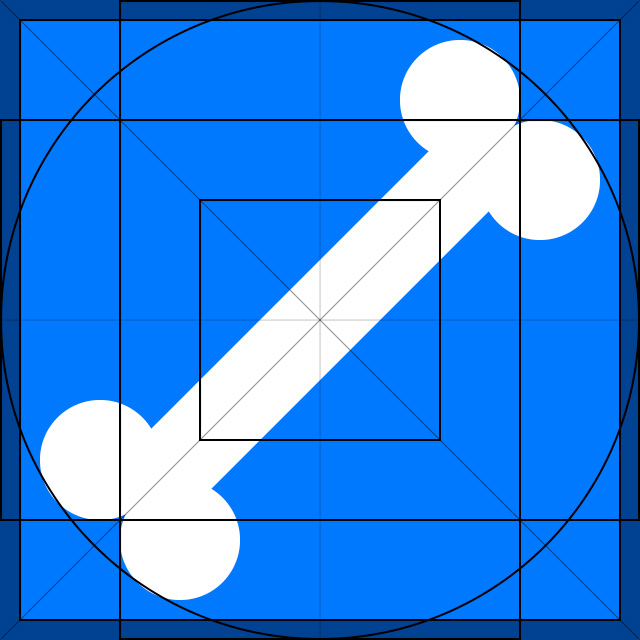
For this task, I designed pixel-perfect custom icons using keyshapes, orthogonals, and pixel grid.
The images below show the default and the selected state for each node icon.
MANIKIN icon

TARGETS CONTAINER icon
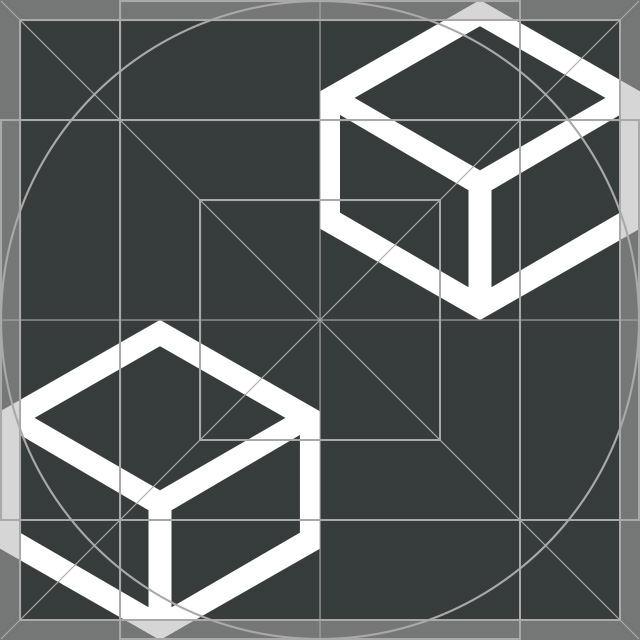
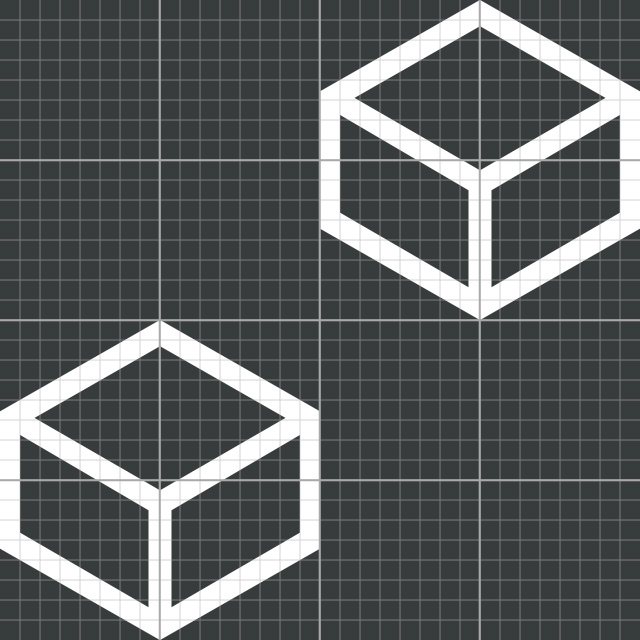

TARGETS CHILDREN icon

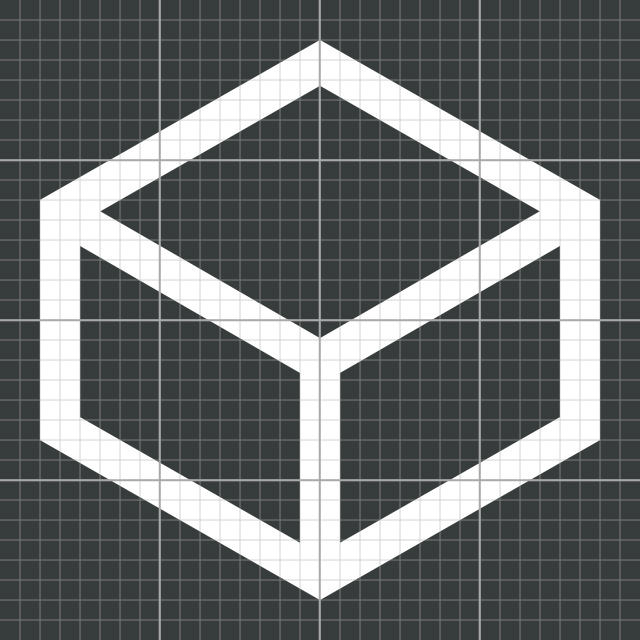

BODY CONTAINER icon
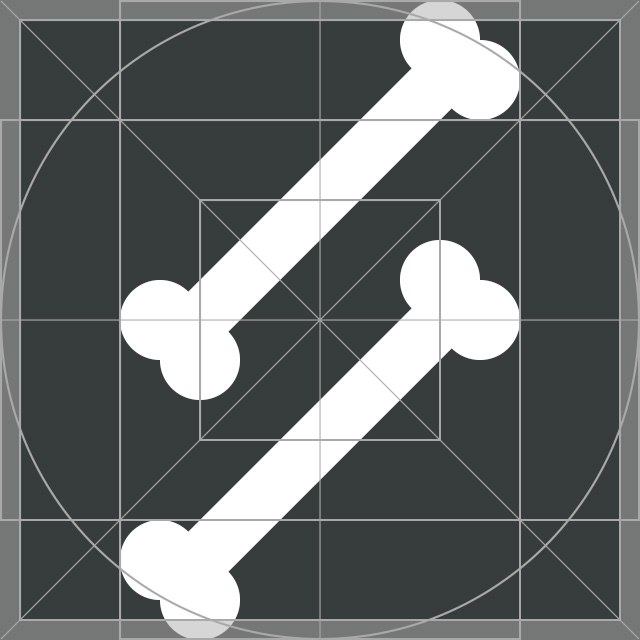
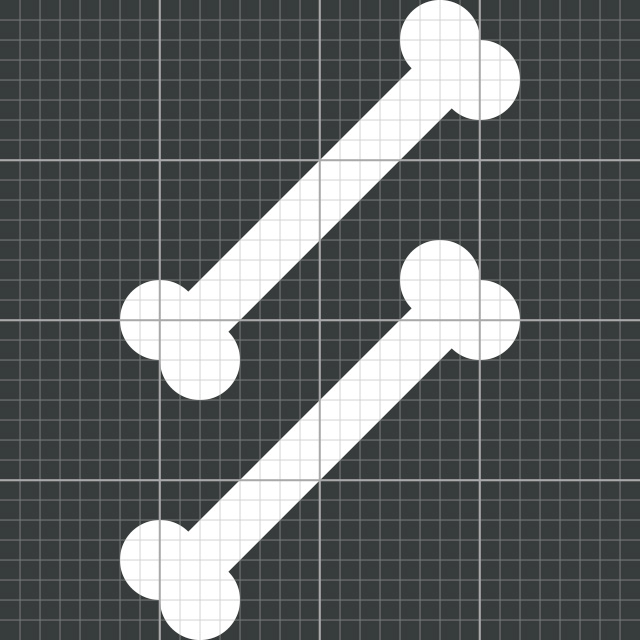

BODY CHILDREN icon
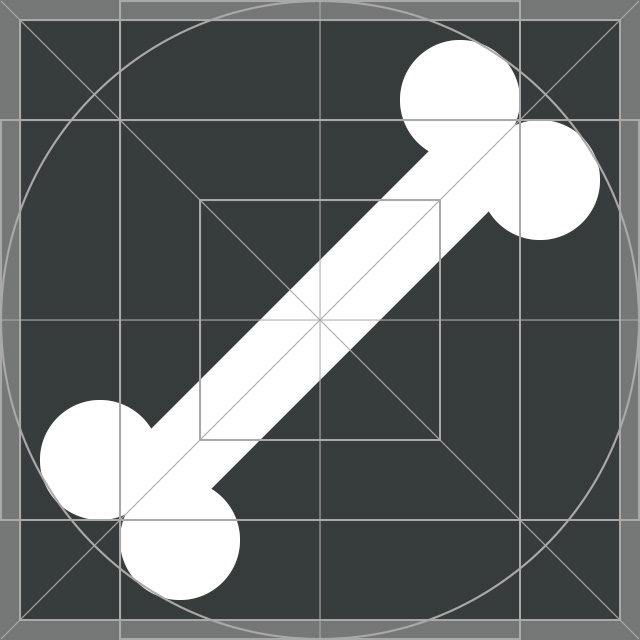
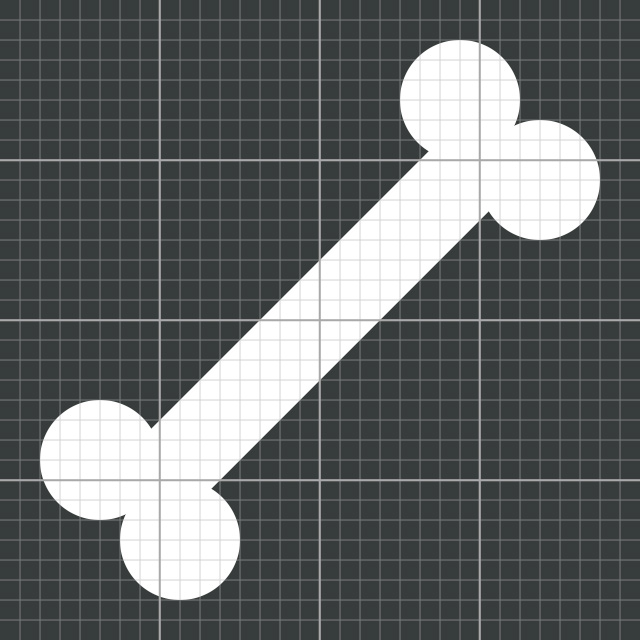

MANIKIN icon (selected node)
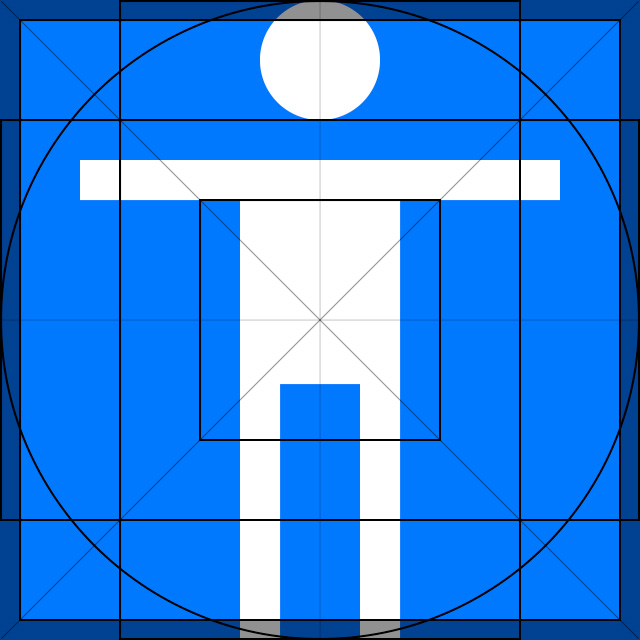

TARGETS CONTAINER icon (selected node)
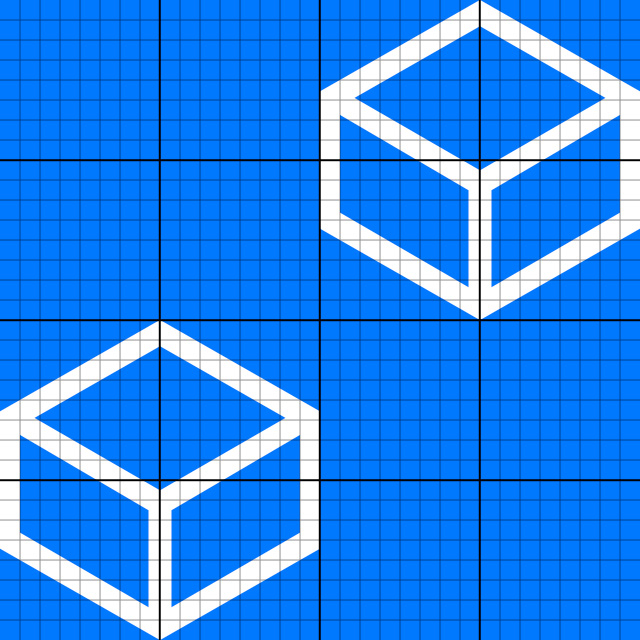

TARGETS CHILDREN icon (selected node)



BODY CONTAINER icon (selected node)
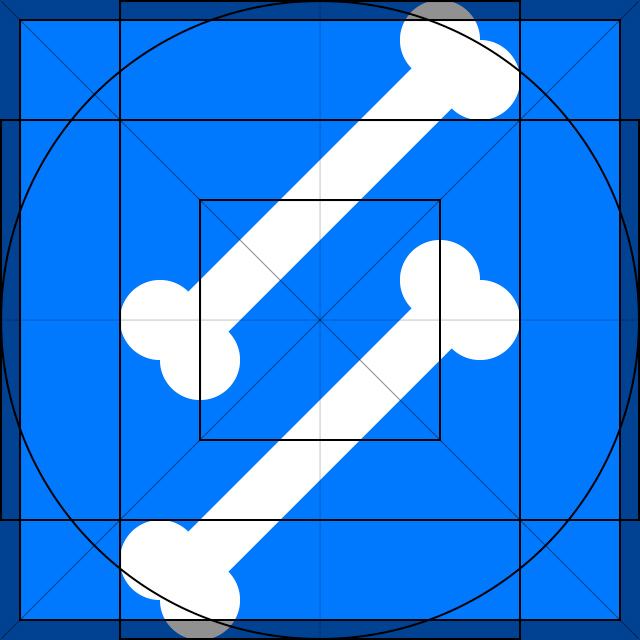
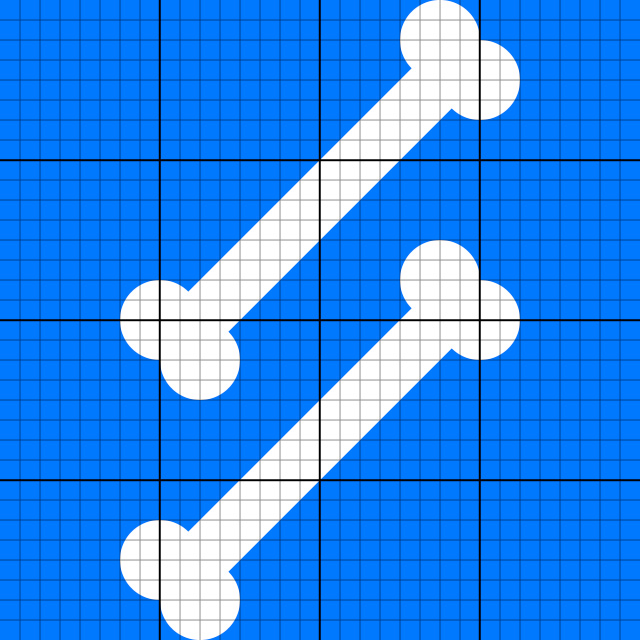

BODY CHILDREN icon (selected node)


Related Works
Check out more works for Virtalis: