
FRAME GUI Components
WebXR UI Component System
Designing reusable UI components for a WebXR platform, enabling consistent interaction patterns across immersive experiences.
Context
FRAME is a browser-based WebXR platform that allows users to build and explore immersive virtual environments.
As the platform expanded, new features required consistent ways for users to interact with media, assets, and system dialogs.
This created the need for reusable WebXR UI components that could support interaction across different experiences.
Problem
The platform initially lacked a structured UI component system.
This created challenges for:
- Interaction consistency.
- Development efficiency.
- UI scalability across different environments.
A reusable set of GUI components was needed to standardise interaction patterns across the platform.
My Role
As WebXR Designer/Developer I:
- Designed the layout and interaction patterns of GUI components.
- Created WebXR prototypes to validate the designs in VR.
- Implemented base component logic in Babylon.js.
- Collaborated with engineers to refine interaction behaviour
Components Created
The component library included:
- VideoSphere - immersive video playback.
- Audio Player - spatial audio interaction.
- Asset Option Bar - interaction controls for scene assets.
- Responsive Dialog - flexible UI dialog system.
These components could be instantiated across experiences using an object-oriented approach.
Key Design Decisions
1. Prioritise reusable interaction patterns
Components were designed to support multiple use cases across the platform.
2. Design for immersive readability
Layouts were optimised for VR viewing distances and interaction behaviour.
3. Balance usability and performance
UI elements were consolidated within a single Babylon ADT to minimise performance overhead.
Outcome
The component system enabled:
- Consistent interaction patterns across FRAME environments.
- Faster development of new experiences.
- Improved scalability of the platform’s UI.
Demo Video
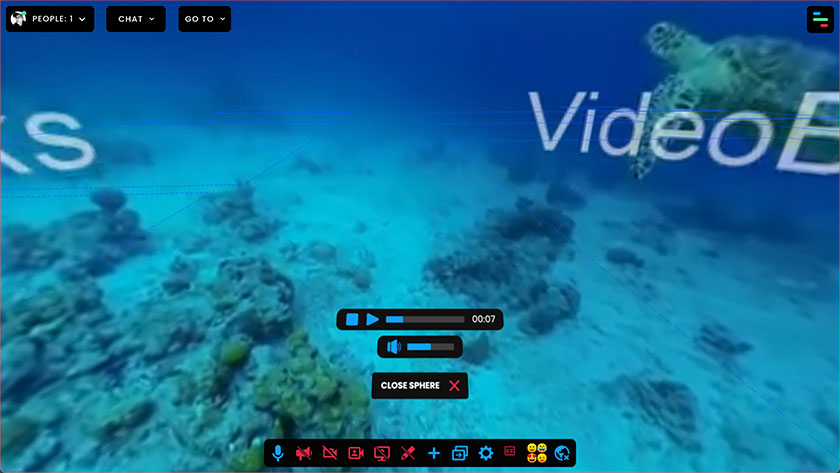
The video below shows the VIDEOSPHERE GUI component and the CLOSE SPHERE button. The latter is also the only UI element displayed when the user opens a photosphere (360-degree photo).
The Making Of
Static Mockups
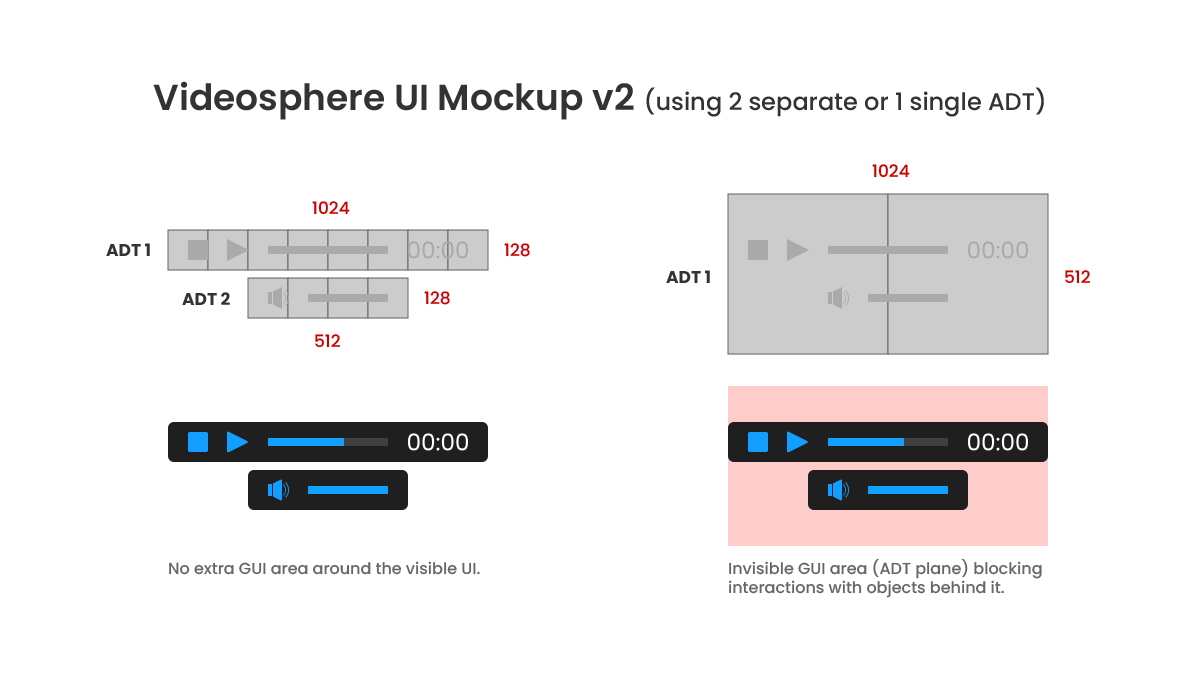
The first step was to design the layout of each UI component using standard mockups, setting both the width and the height of the Babylon ADTs (Advanced Dynamic Textures) to power-of-two values to optimise performance.
Along the process, we had to deal with a challenge: the transparent area of the Babylon ADT, highlighted by the red zone in the image below, was blocking the raycaster and making it impossible to click other objects behind it.
While a possible option to overcome this issue could be to split the two UI elements into two separate and dedicated ADTs, this solution would come with a slightly higher performance cost.
Fortunately, the developers managed to solve this problem soon after, and we could go for the option on the RHS, which uses a single Babylon ADT.
Custom Icons
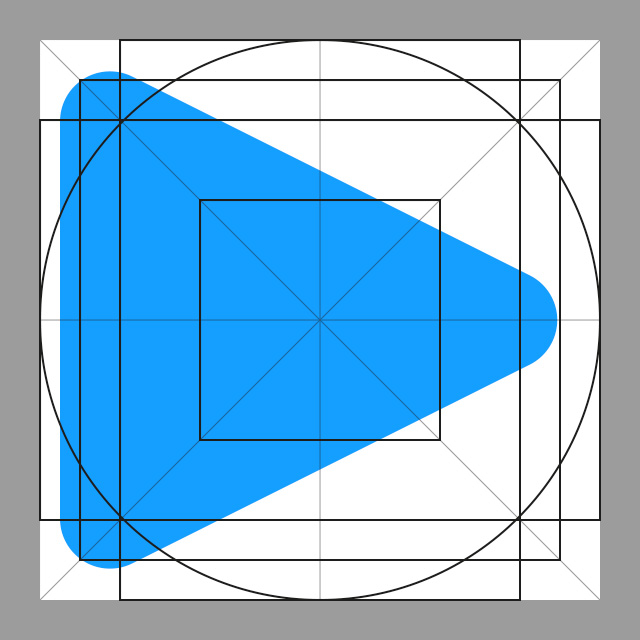
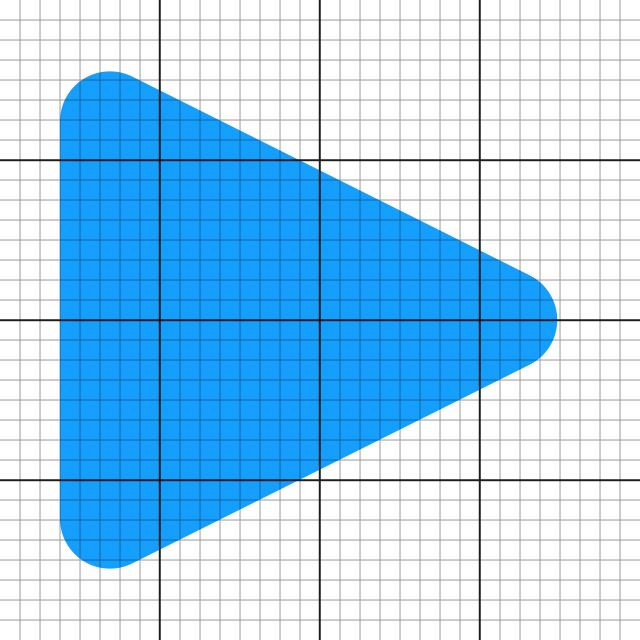
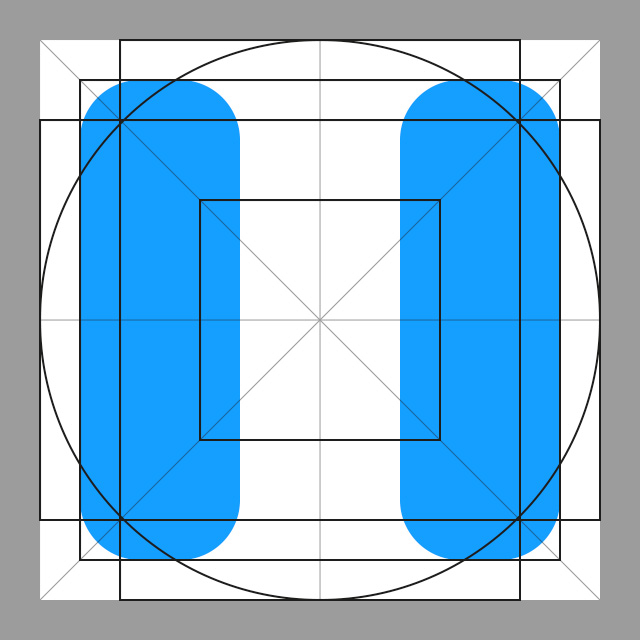
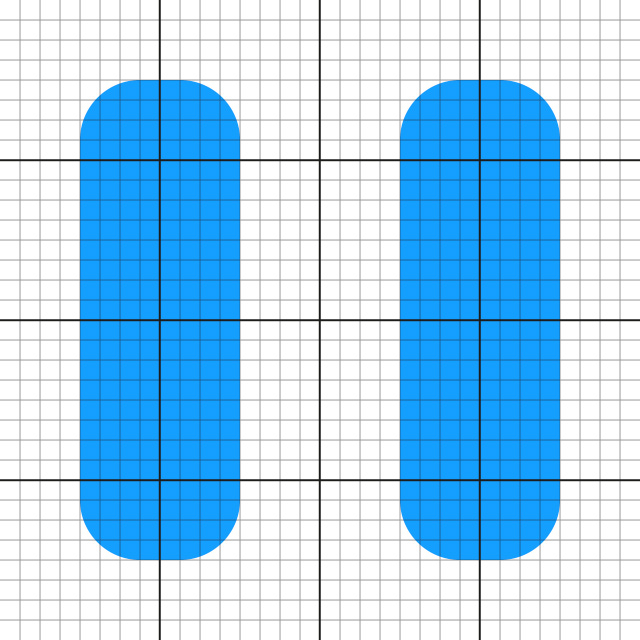
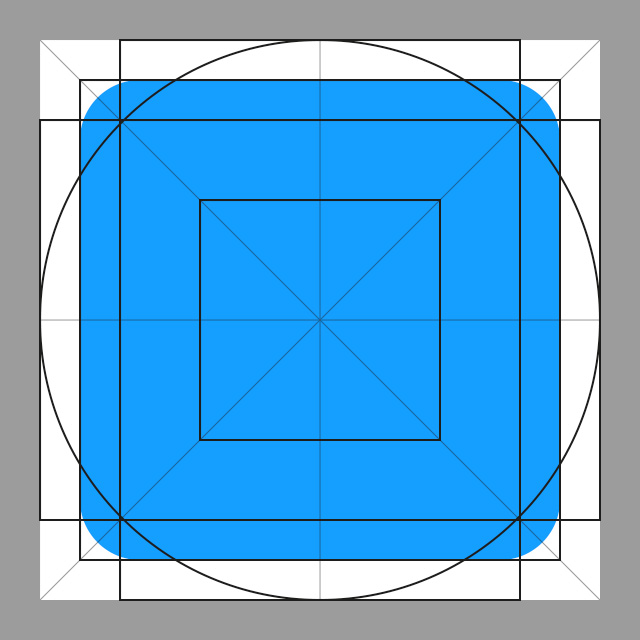
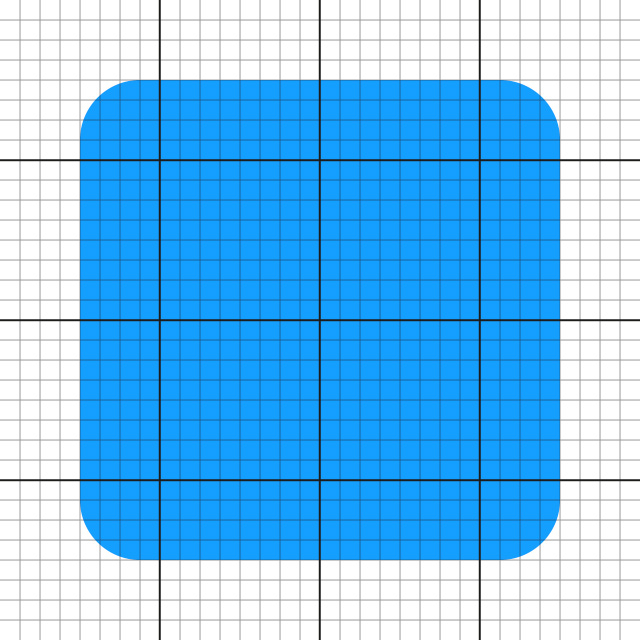
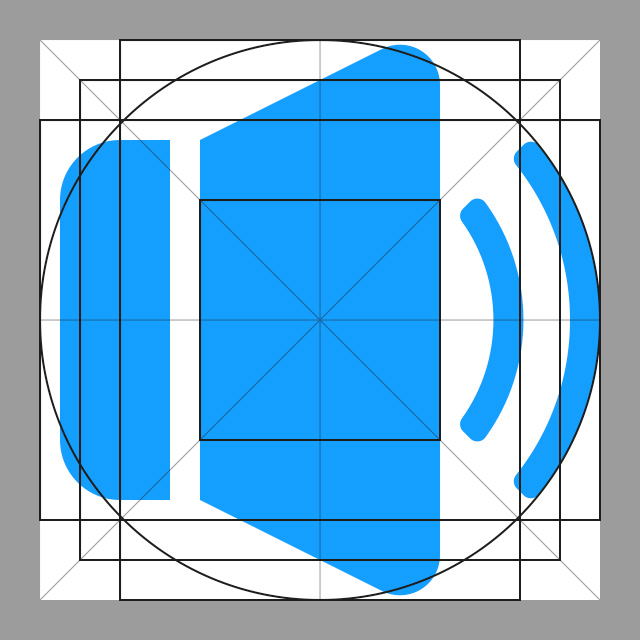
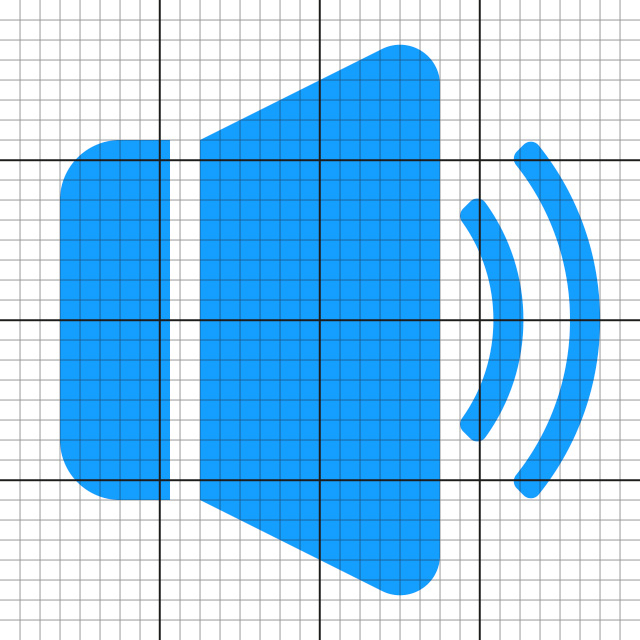
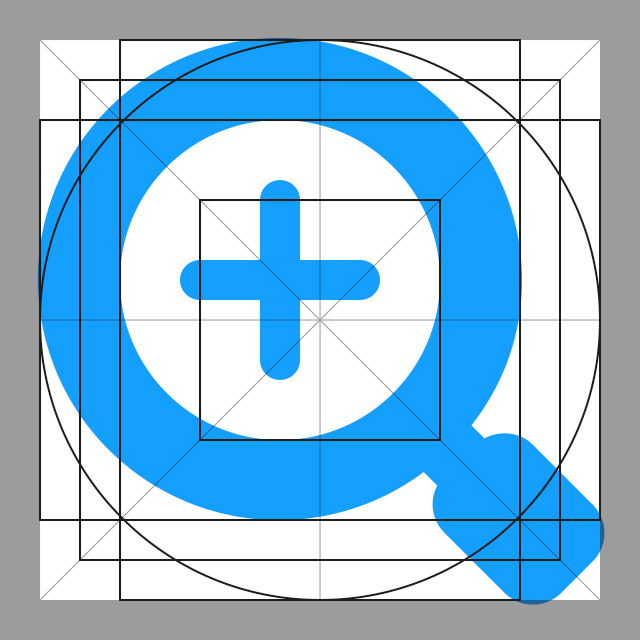
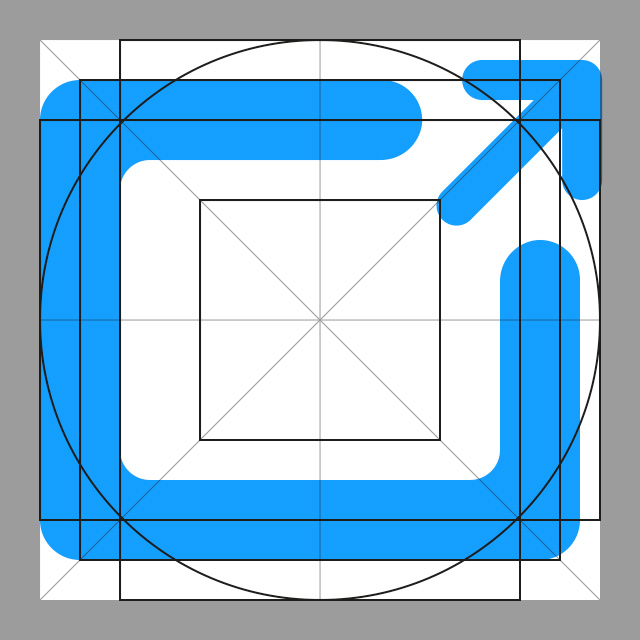
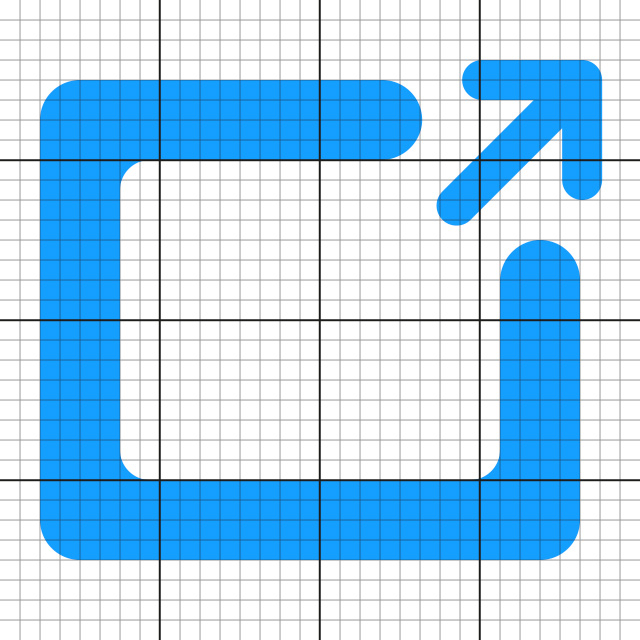
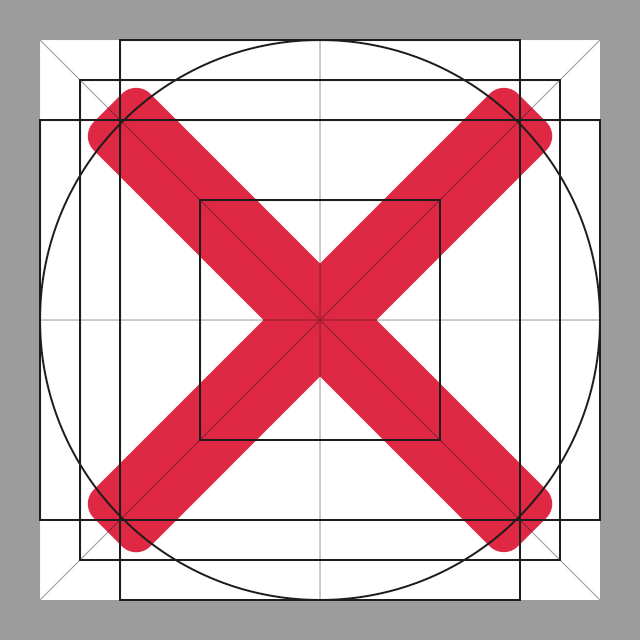
As I was creating the layouts of the different GUI components, I also started designing pixel-perfect custom icons for all their buttons. The images below show the keyshapes + orthogonals and the pixel grid for each asset.
PLAY icon

PAUSE icon

STOP icon

MUTED icon



SOUND icon

ZOOM-IN icon


LINK icon

CANCEL icon


WebXR Prototypes
After designing all the custom icons and completing the layouts of the different GUI components, I moved on to coding their WebXR prototypes.
This way, and by working in an isolated environment, I was able to:
- Review, test and validate the designs in VR mode
- Speed up the implementation process and bypass the loading time that otherwise my local build would have taken each time I was making changes and adjustments or saving files
The video below shows the WebXR prototype for the VIDEOSPHERE GUI component.
This other video shows the WebXR prototype for the CONNECT GUI component, which is a variant of the RESPONSIVE DIALOG GUI component.
In particular, here I was testing the responsiveness of some UI elements such as CTA buttons.
Static Mockups and Implemented Designs
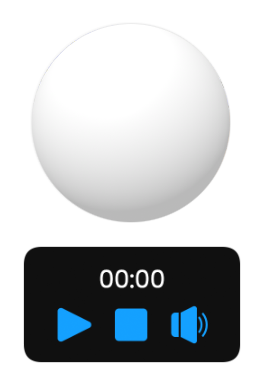
Mockup and coded version of the VIDEOSPHERE GUI component.
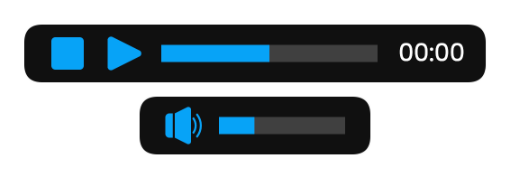
Mockup and coded version of the AUDIO GUI component.
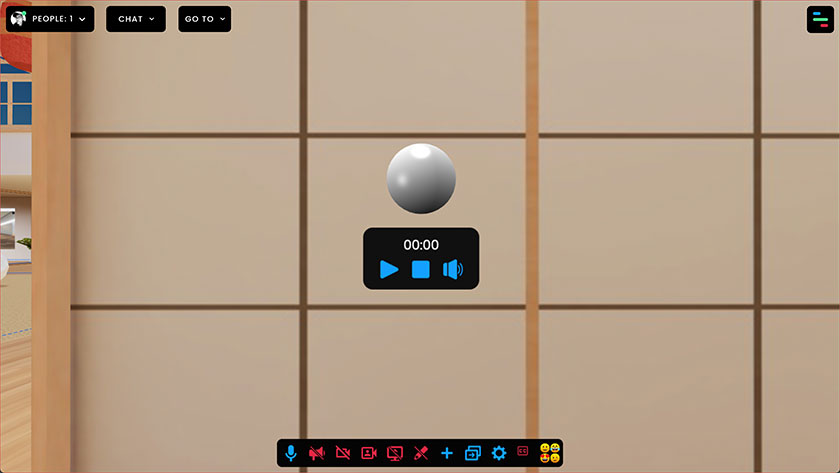
Mockup and coded version of the ASSET OPTION BAR GUI component.
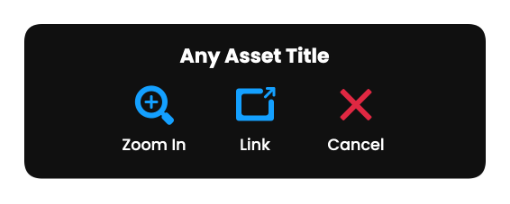
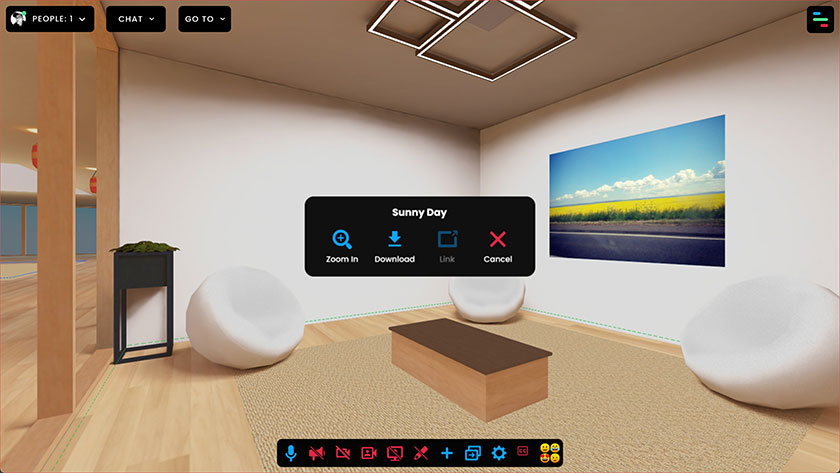
Mockup and coded version of the CONFIRMATION DIALOG (variant of the RESPONSIVE DIALOG GUI component).

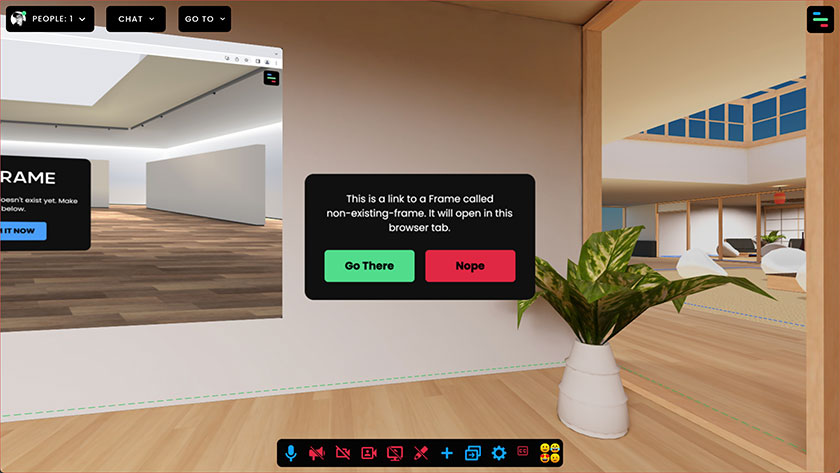
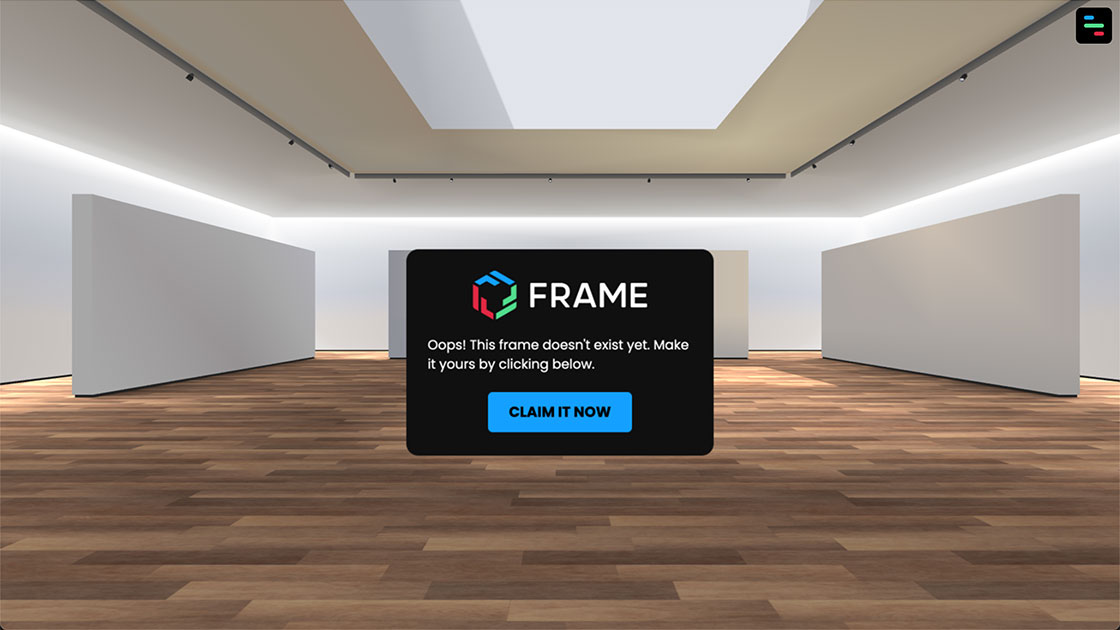
Coded version of the UI panel to claim a non-existing frame (variant of the RESPONSIVE DIALOG GUI component).
Related Works
Check out more works for FRAME by Virbela: