
Connect / Spectate UI
State-Driven Access Interface
Designing state-driven access controls for a multi-user WebXR platform, adapting the interface to permissions, availability, and user roles.
Context
FRAME is a collaborative WebXR platform where multiple users can join shared environments.
Depending on the configuration of a space, users may join as:
- participants,
- spectators,
- or may be blocked if capacity is reached.
The entry interface needed to communicate these conditions clearly.
Problem
Users attempting to join a space could encounter different scenarios:
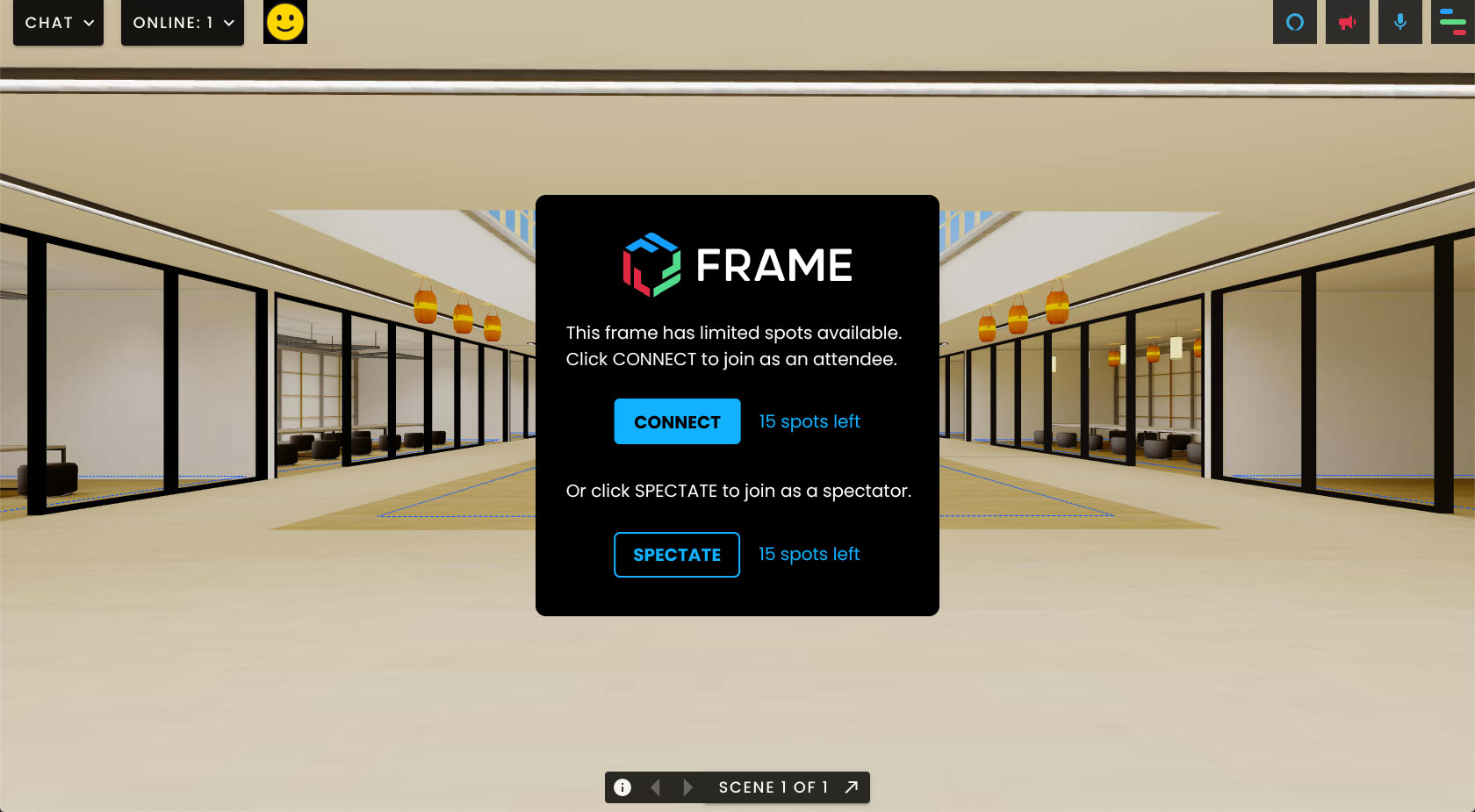
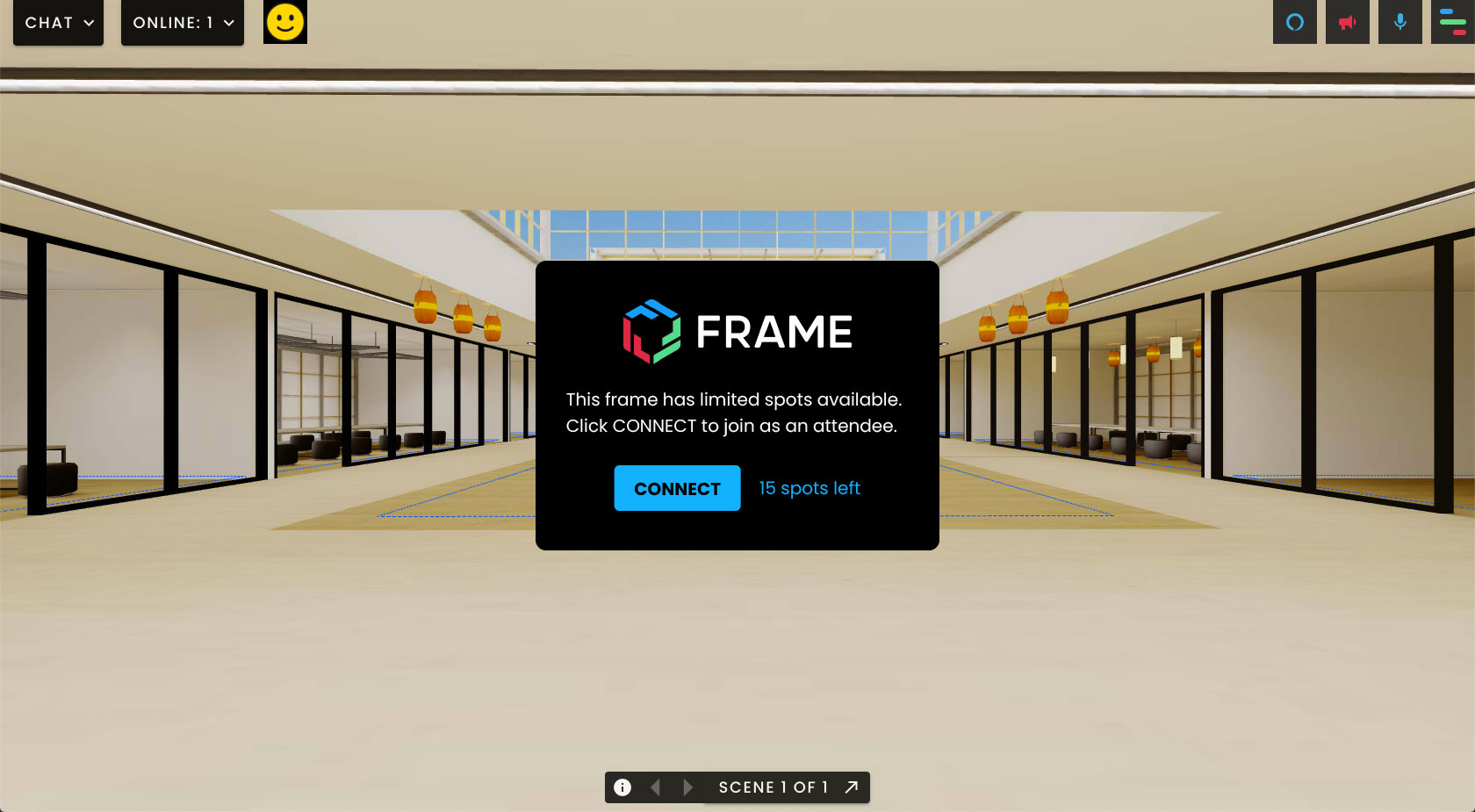
- Spectator mode enabled or disabled.
- Limited available spots.
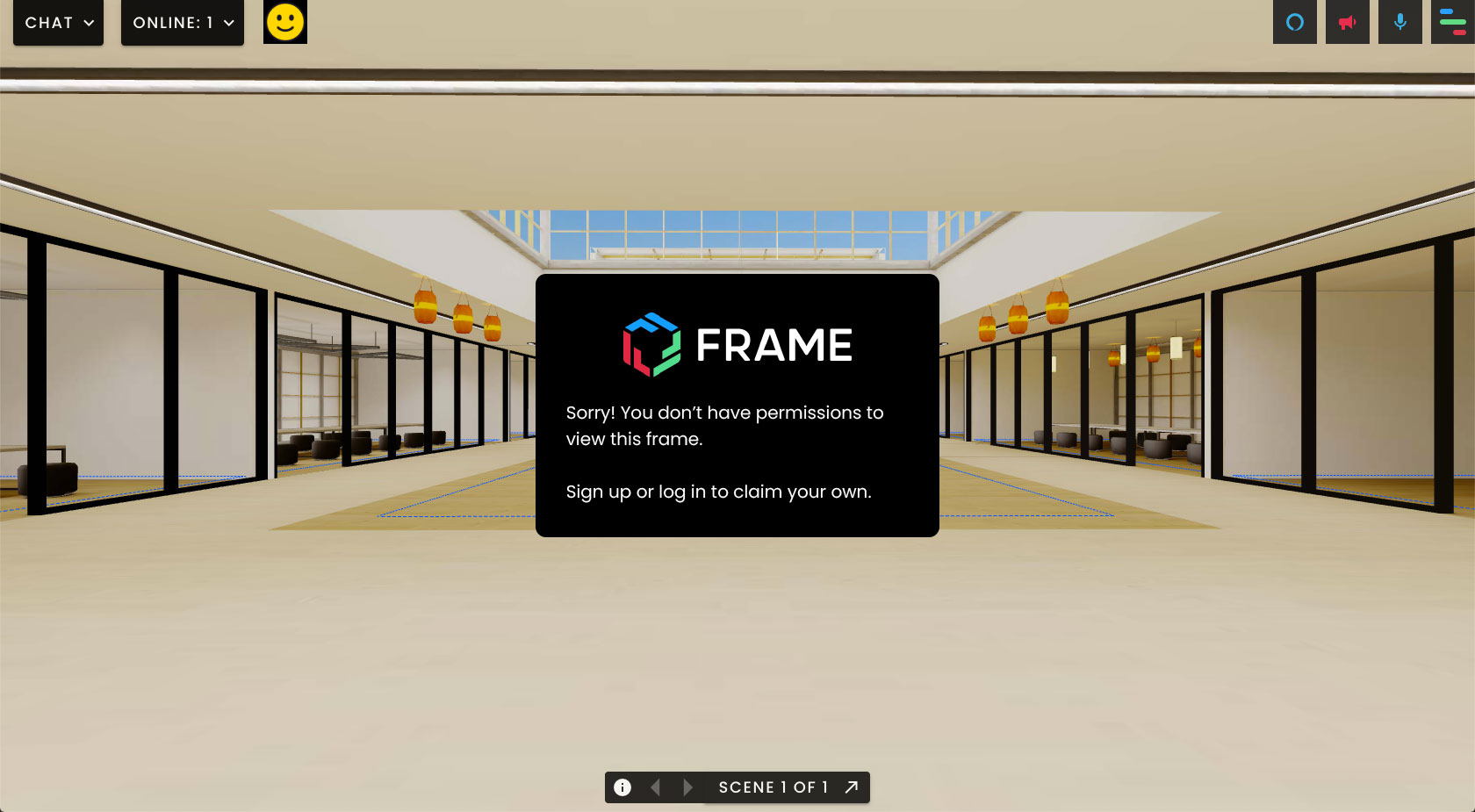
- Restricted viewing permissions.
Without clear feedback, users could become confused about whether they were able to enter the environment.
My Role
As WebXR Designer/Developer I:
- Designed the layout and behaviour of the Connect/Spectate interface.
- Created WebXR prototypes to test the UI in immersive environments.
- Implemented component logic using Babylon.js.
- Validated different interaction states through testing.
Key Design Decisions
1. Design for system states
The interface dynamically adapts based on:
- Admin configuration.
- User permissions.
- Capacity availability.
2. Communicate access conditions clearly
Different UI states guide users toward the appropriate action:
- Join the environment.
- Spectate.
- Wait for available spots.
3. Ensure responsiveness in immersive environments
The layout adapts to maintain readability across different display conditions.
Outcome
The interface provided clear feedback about access conditions, helping users understand:
- whether they could join the space,
- whether they could spectate,
- or whether the environment had reached capacity.
This improved clarity at the entry point of the collaborative experience.
Demo Video
The video below shows the different permutations of the responsive CONNECT/SPECTATE UI by using two browser windows to simulate two peers (one Admin and one Visitor) connecting to the same Frame.
The Making Of
WebXR Prototype
After designing the different states of the CONNECT/SPECTATE UI using standard static mockups, I moved on to coding the WebXR prototype.
This way, and by working in an isolated environment, I was able to:
- Review, test and validate the designs in VR mode
- Speed up the implementation process and bypass the loading time that otherwise my local build would have taken each time I was making changes and adjustments or saving files
The video below shows the WebXR prototype for the responsive CONNECT/SPECTATE UI panel.
Implemented Designs
Coded version of the CONNECT/SPECTATE UI panel (Spectator mode enabled).
Coded version of the CONNECT/SPECTATE UI panel (Spectator mode disabled).
Coded version of the CONNECT/SPECTATE UI panel (no spots available).
Related Works
Check out more works for FRAME by Virbela: